Property asset & compliance management
Your entire property portfolio. One operating system.
Manage properties, leases, rent, compliance, documents and investments from one connected workspace. Give your team the visibility and control to make better property decisions.
Built for property owners, asset managers and portfolio operations teams.
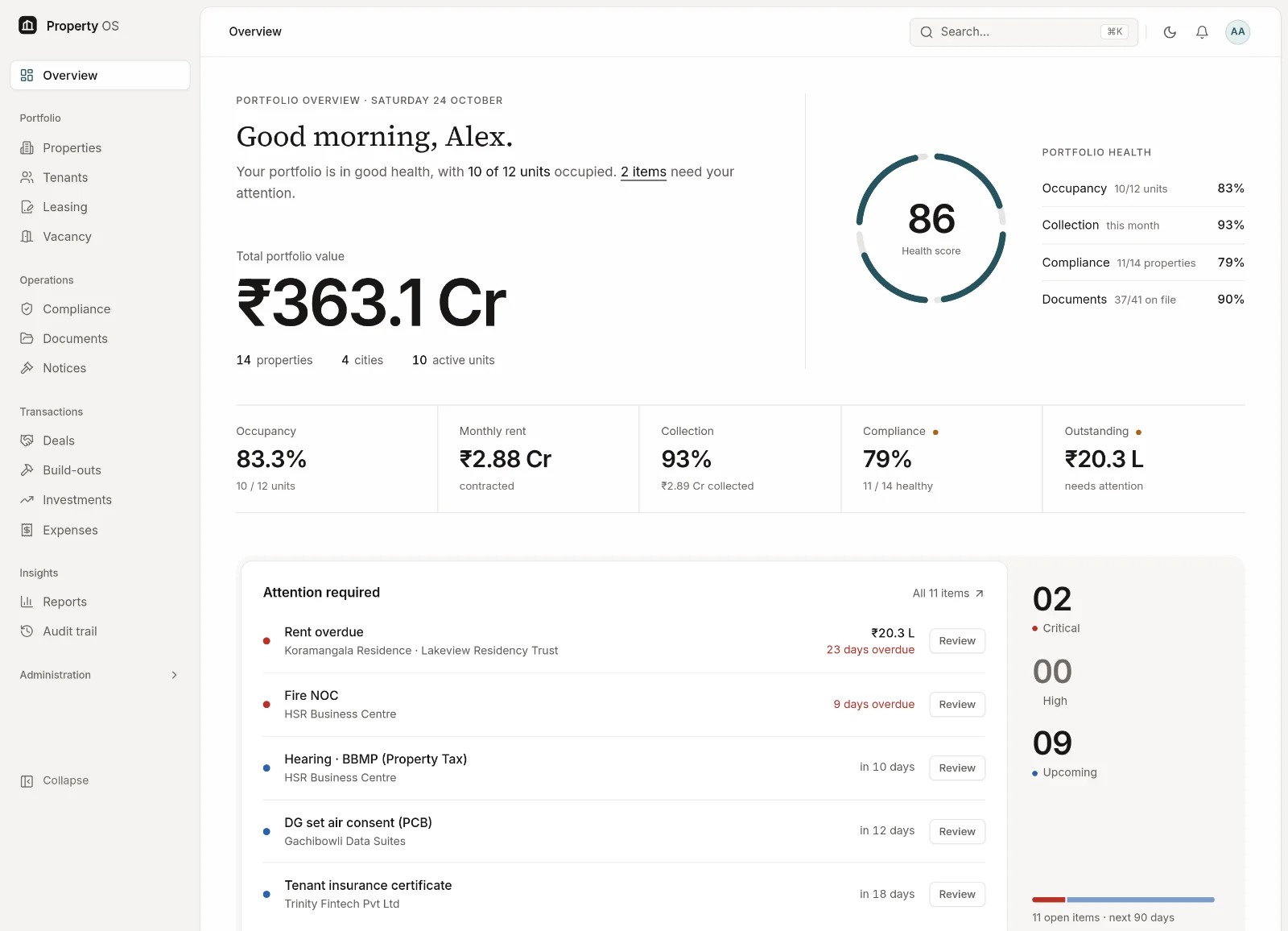
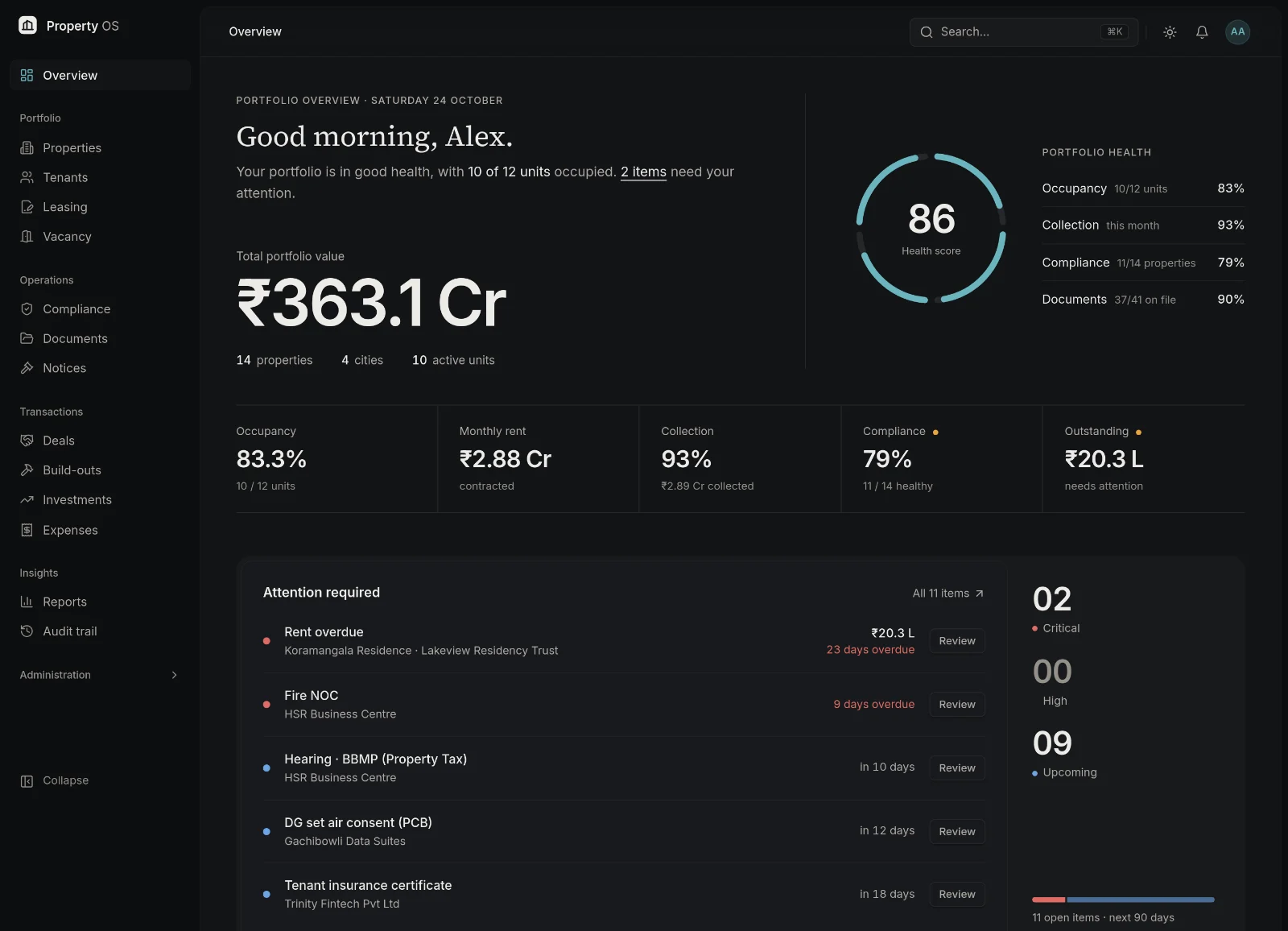
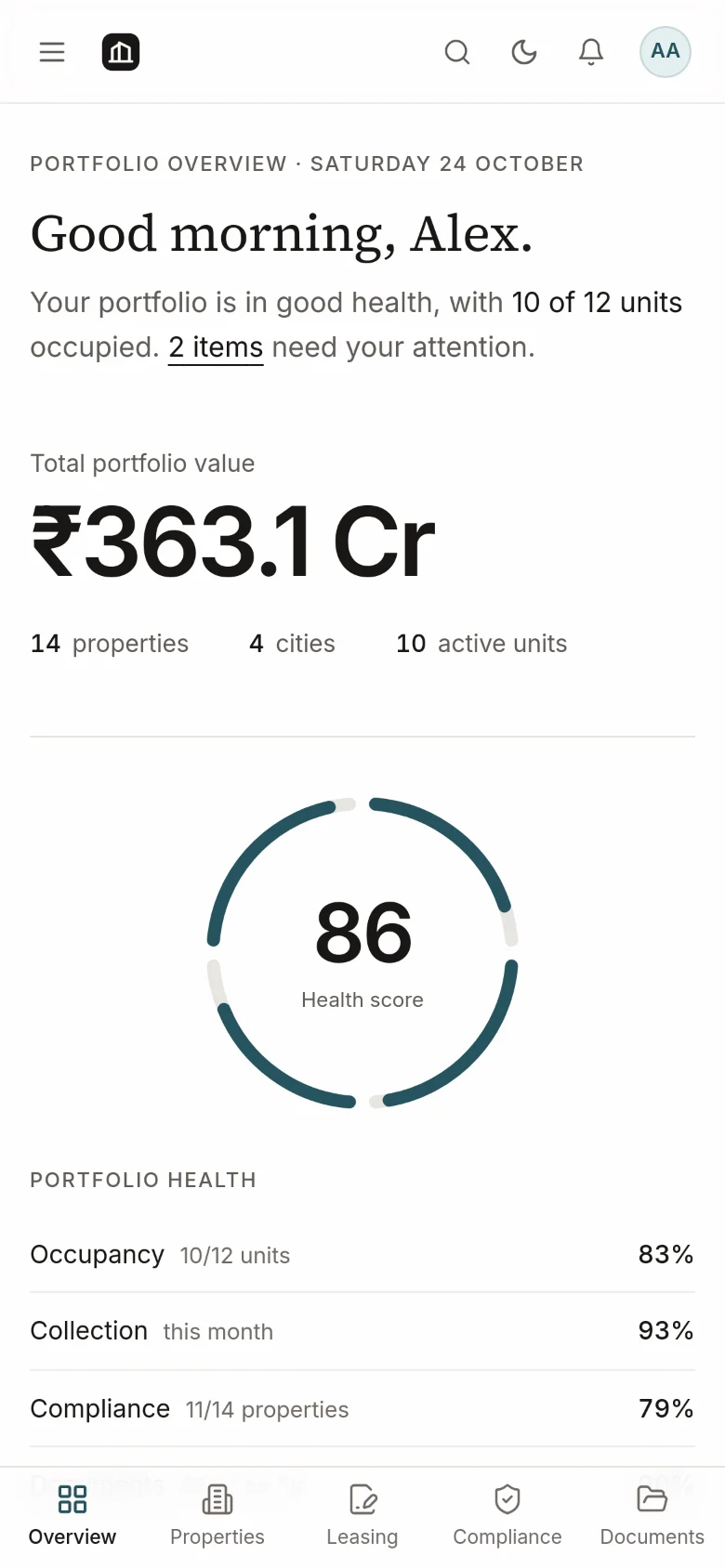
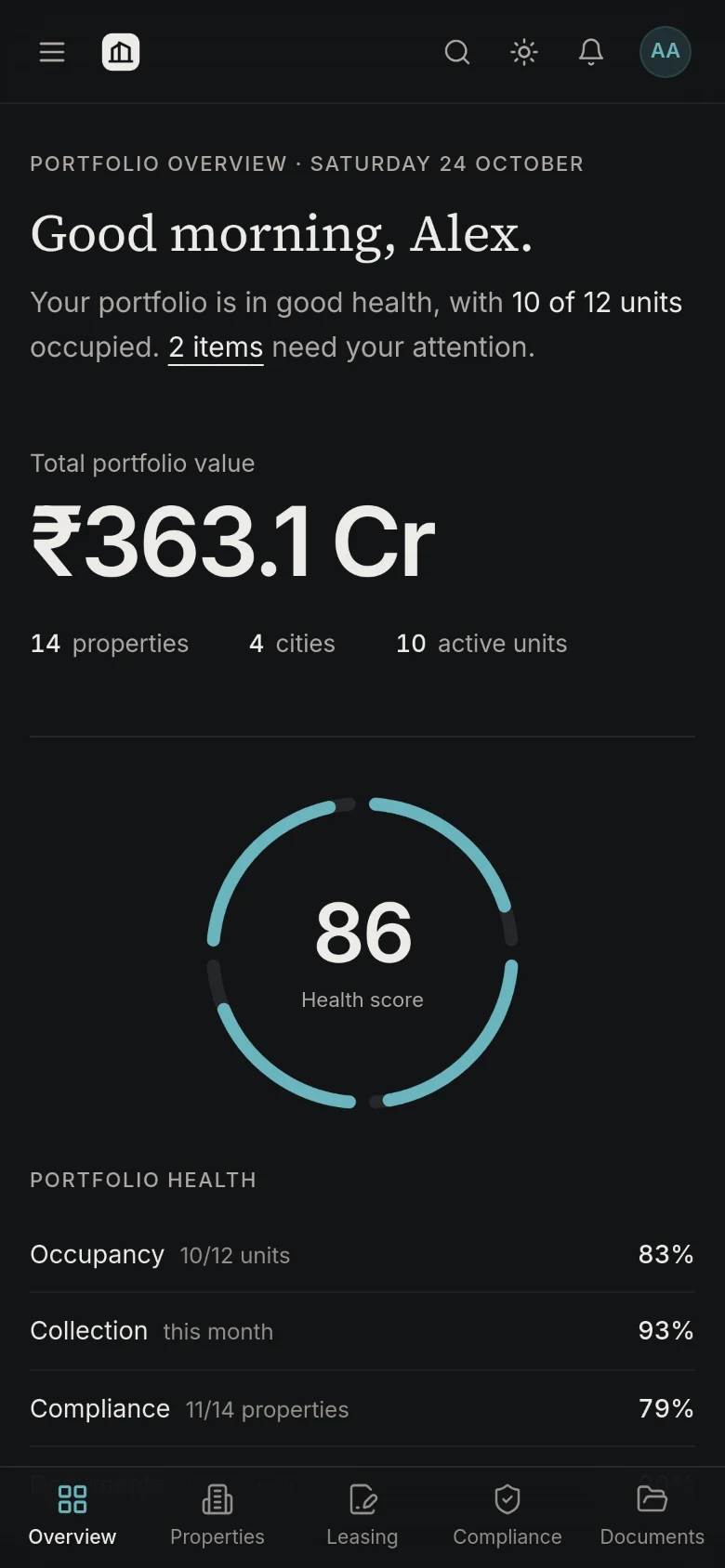
Product screen · sample portfolio data
Property intelligence
Every asset, unit and owner in one register.
Financial visibility
Rent, arrears, valuations and yield from live records.
Compliance control
Statutory obligations with owners, due dates and evidence.
Operational focus
One ranked action list instead of chasing updates.
Document governance
Files linked to their records, with access rules.
Why Property OS
Property operations should not live in disconnected spreadsheets.
When each team keeps its own version of the portfolio, deadlines slip, rent goes unchased and every report starts from scratch. Property OS connects the work so each answer lives in one place.
Scattered property information
Owners, areas, Khata numbers and values live in different sheets and inboxes.
In Property OS: One register per asset — identity, ownership shares, units, valuation and status history.
Manual lease tracking
Lock-ins, escalations and expiries are remembered rather than recorded.
In Property OS: Lease terms captured once, with 90 / 60 / 30-day expiry alerts and escalations applied to rent.
Missed compliance deadlines
Fire NOC, Property Tax and licence renewals surface only when they are late.
In Property OS: Recurring obligations with owners, lead times, red / amber / green status and escalation.
Disconnected documents
Deeds and certificates sit in folders with no link to the asset or lease.
In Property OS: A vault where every file is linked to its record, versioned and permission-controlled.
Limited rent visibility
Outstanding rent is assembled by hand at month end.
In Property OS: Rent schedules, payments and arrears ageing per lease, property and portfolio.
Fragmented reporting
Every board pack starts with copying numbers between spreadsheets.
In Property OS: A live dashboard and ten standard reports, exportable to Excel and PDF.
Hard-to-follow transactions
Diligence, payments and parties for a purchase are tracked in email threads.
In Property OS: A deal pipeline with checklists and payments that closes straight into the register.
Platform
One connected record, from property to report.
Each record links to the one before it. Open a property and follow the thread to its tenants, leases, rent, obligations and documents — and into the reports they feed.
01
Properties
Identity, Khata / survey no., owners, units, value
Example: Whitefield Tech Park
02
Tenants
Company or individual, contacts, certificates
Example: Zettabyte Cloud Services
03
Leases
Term, lock-in, escalation, deposit, CAM
Example: Tech Floor 1 · to Mar 2030
04
Rent
Schedule, payments, arrears ageing
Example: ₹50 L / month
05
Compliance
Obligations, due dates, evidence, escalation
Example: Fire NOC · renews annually
06
Documents
Deeds, agreements, certificates, versions
Example: Registered sale deed
07
Reports
Dashboard, rent roll, ageing, valuation
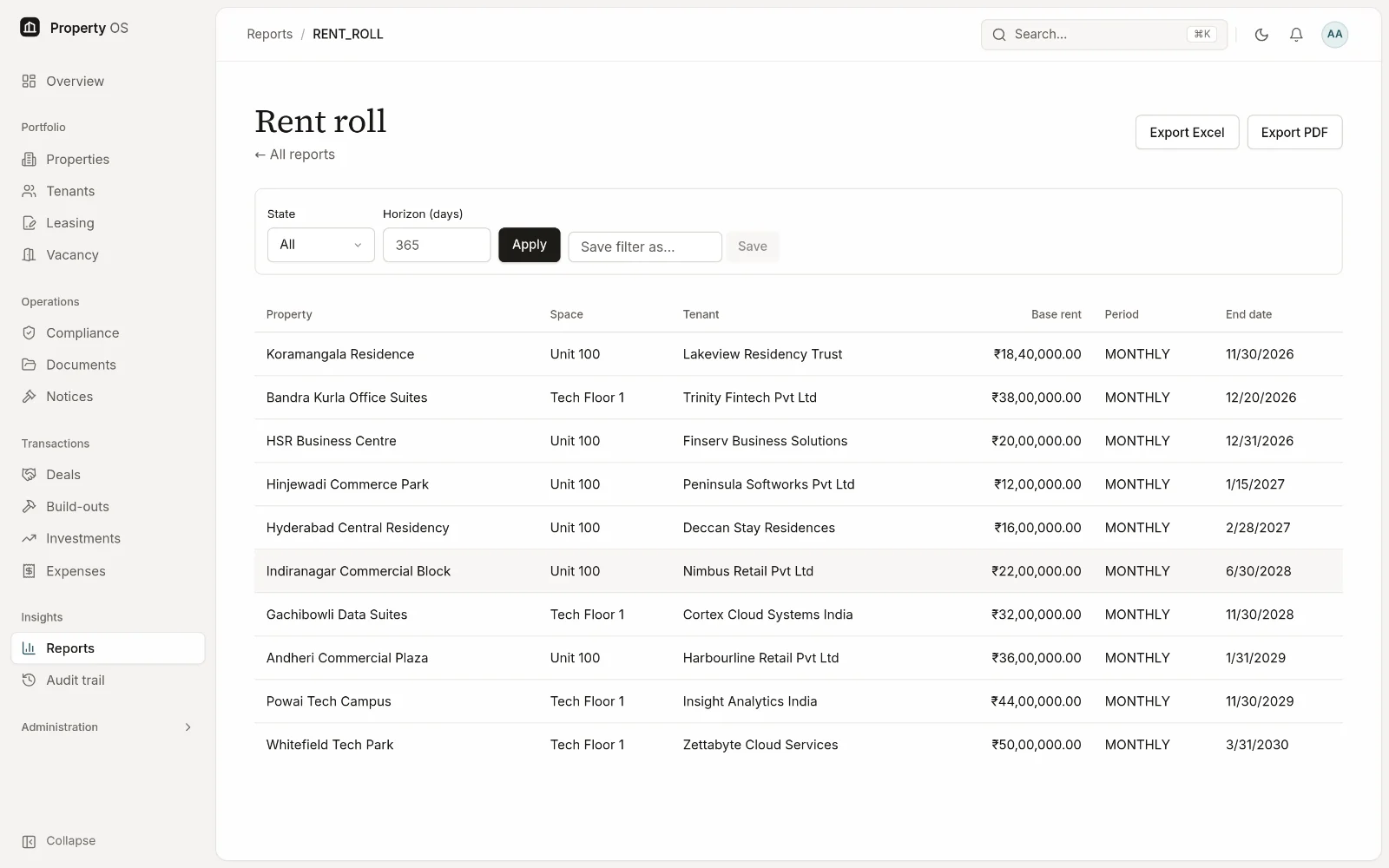
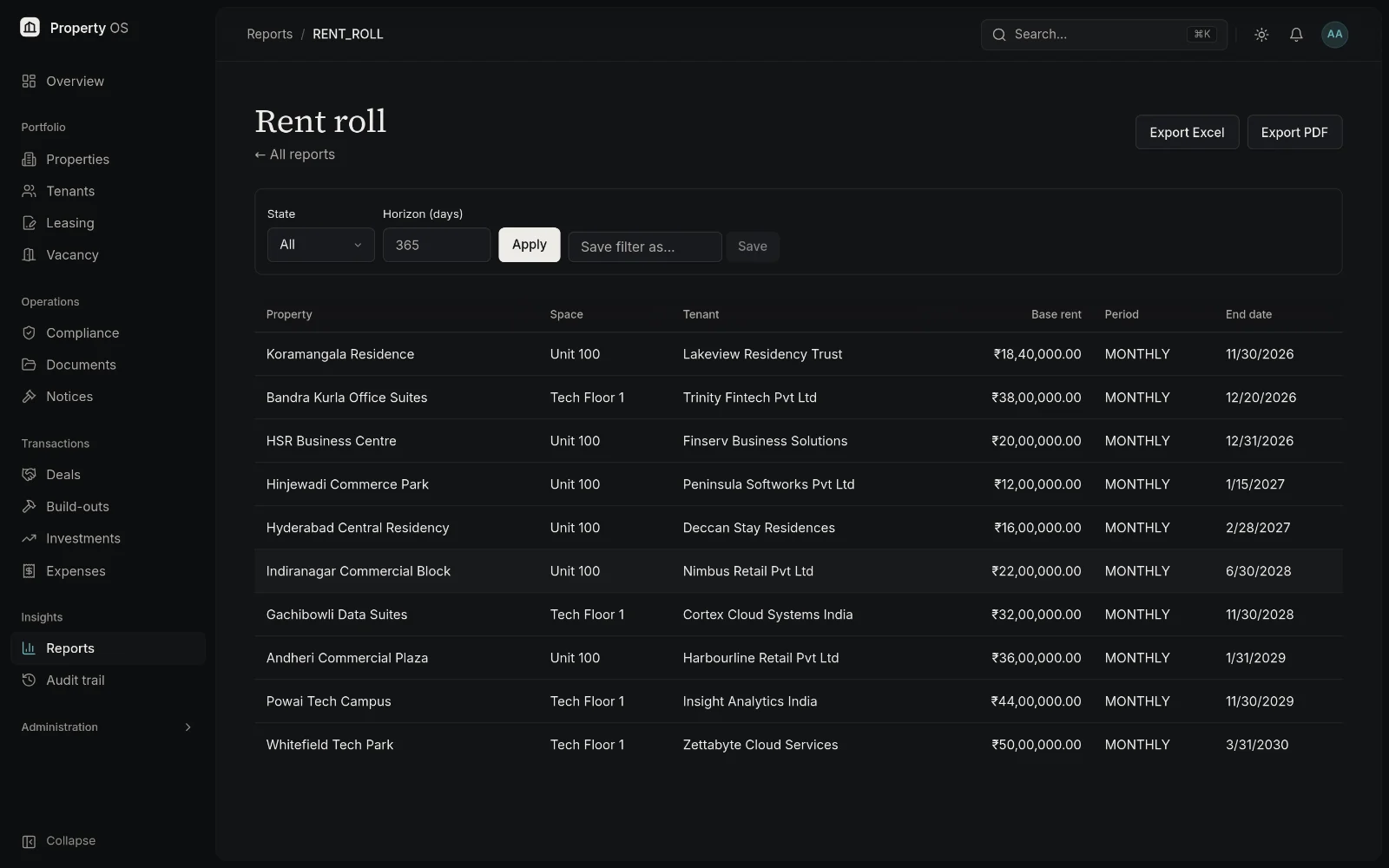
Example: Rent roll · Excel / PDF
Features
Everything a commercial property portfolio runs on.
Eight modules, one data model, one set of permissions.
- Property managementA complete register of every asset, unit and owner.
- Lease & tenant managementTenants, lease terms, renewals and vacancy in one place.
- Rent & collectionsRent schedules, payments, arrears ageing and deposits.
- Compliance managementStatutory obligations, due dates, evidence and escalation.
- Document managementA permission-aware vault linked to the records it supports.
- Acquisitions & salesDeal pipeline, due diligence, closing and build-out.
- Investment managementCost basis, valuations, returns, yield, loans and expenses.
- Reporting & analyticsExecutive dashboard, ten reports, exports and schedules.
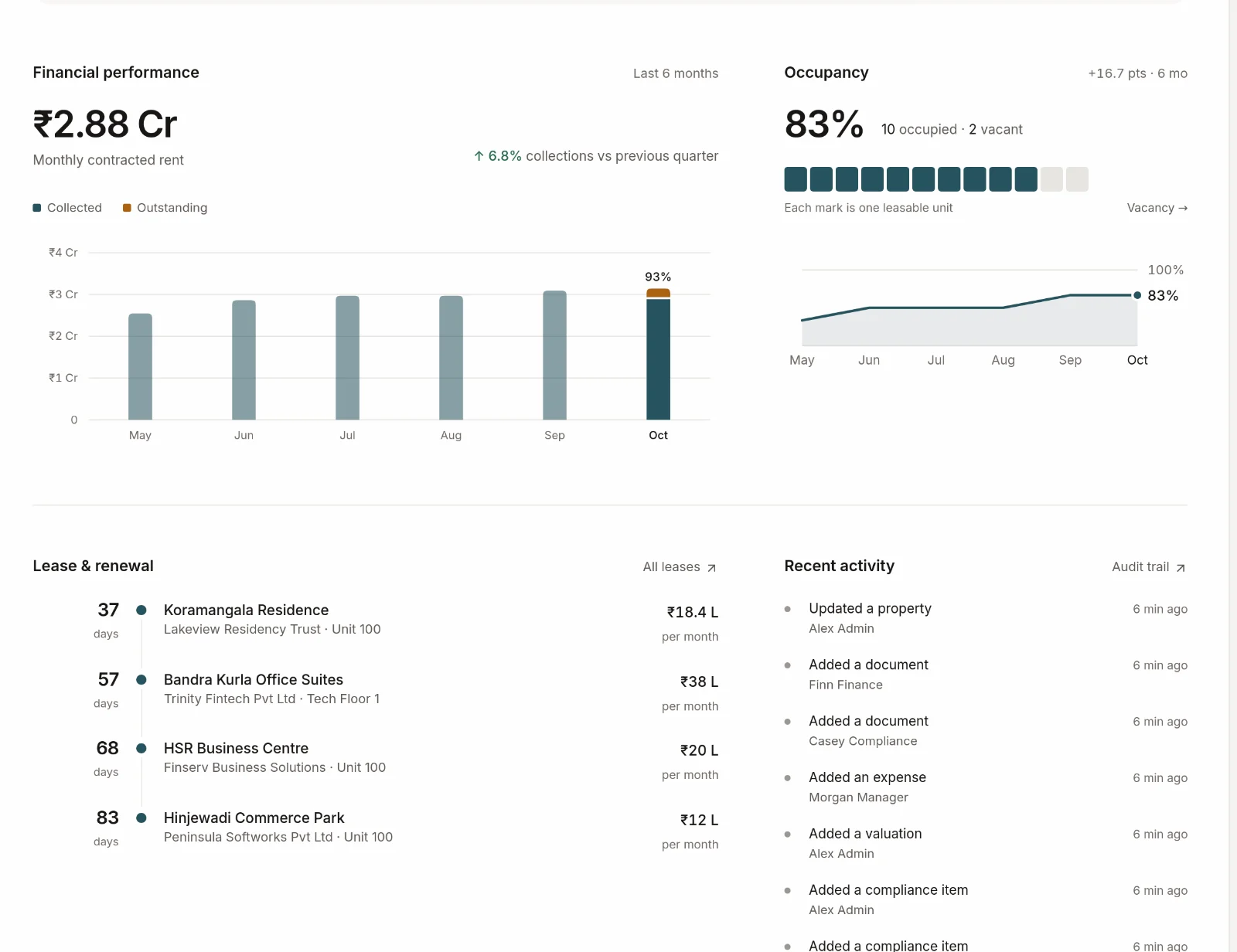
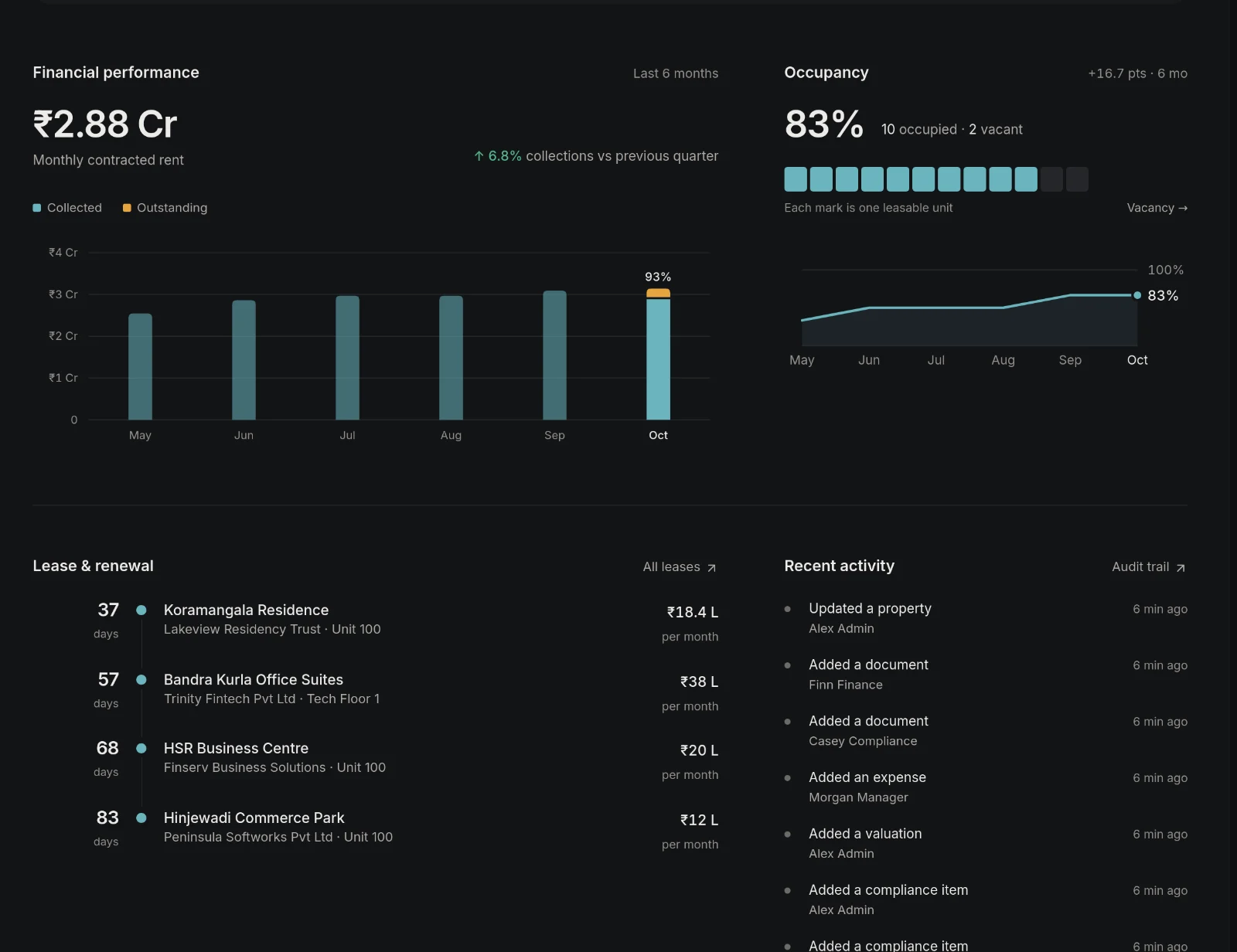
01—Executive dashboard
Know what is happening across your portfolio.
The dashboard consolidates operational and financial indicators into a single view — and ranks what needs attention, so leadership and operations start the day from the same picture.
- Total portfolio value, occupancy and contracted monthly rent
- Collection for the month and outstanding rent
- Compliance health across every property
- Critical actions for the next 30, 60 and 90 days
- Lease renewals coming up and recent activity
02—Property management
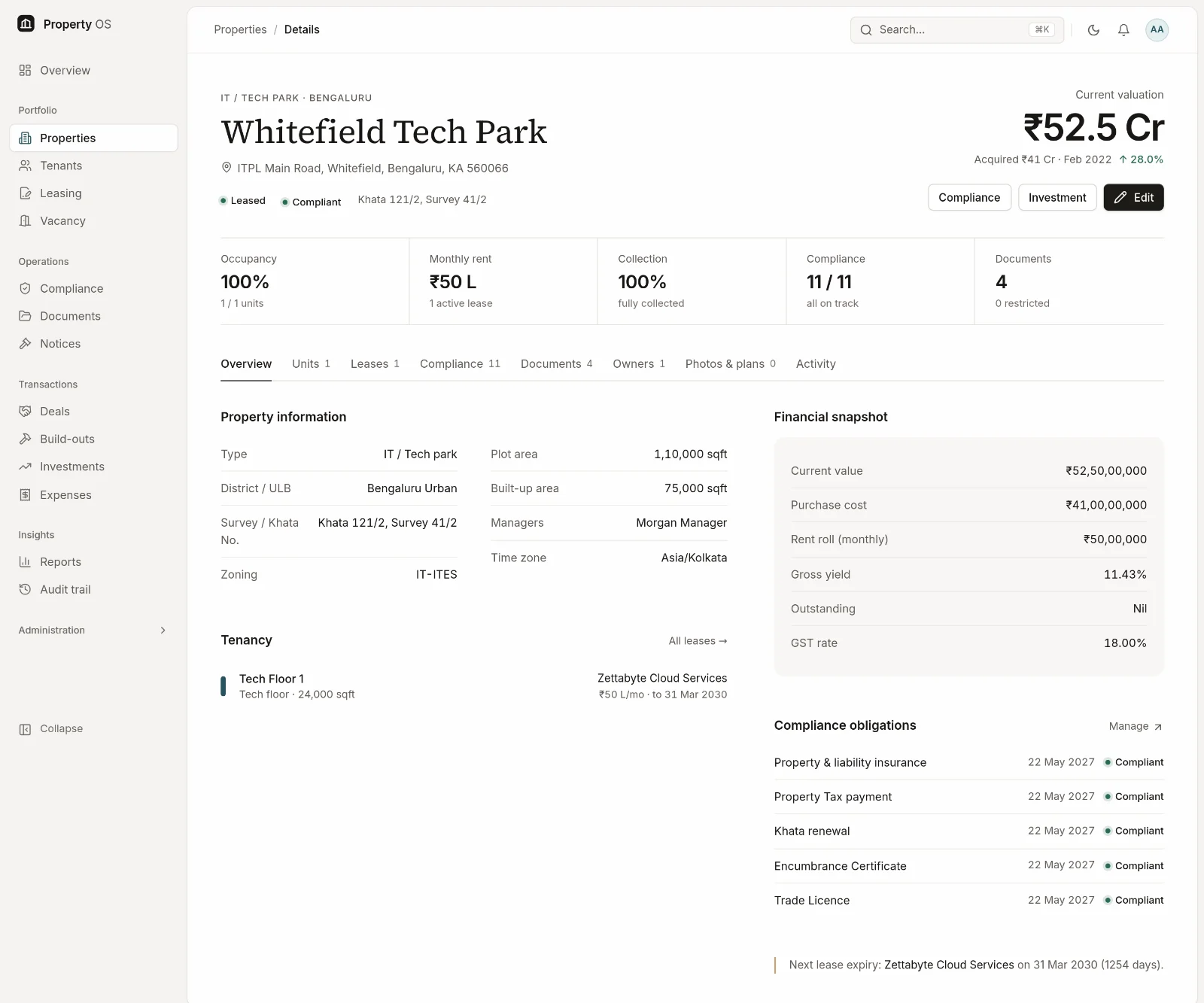
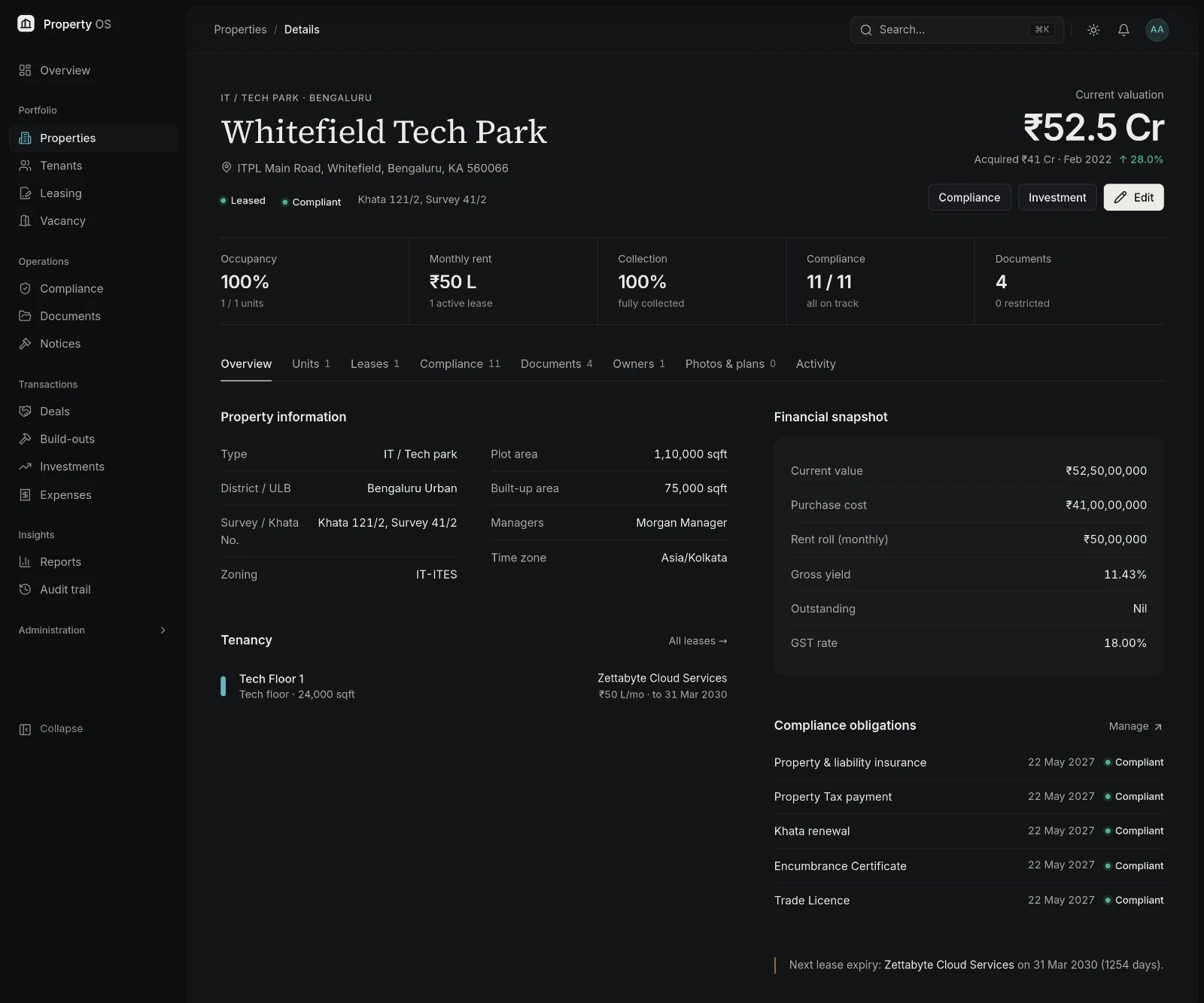
Every property has a complete operational picture.
Open any asset to see its profile, ownership, units, tenancy, valuation, compliance, documents and history together — the same record every team works from.
- Property profile with survey and Khata numbers, zoning and areas
- Ownership entities and percentage shares
- Units, occupancy, tenants and lease information
- Valuation, documents, compliance and activity history
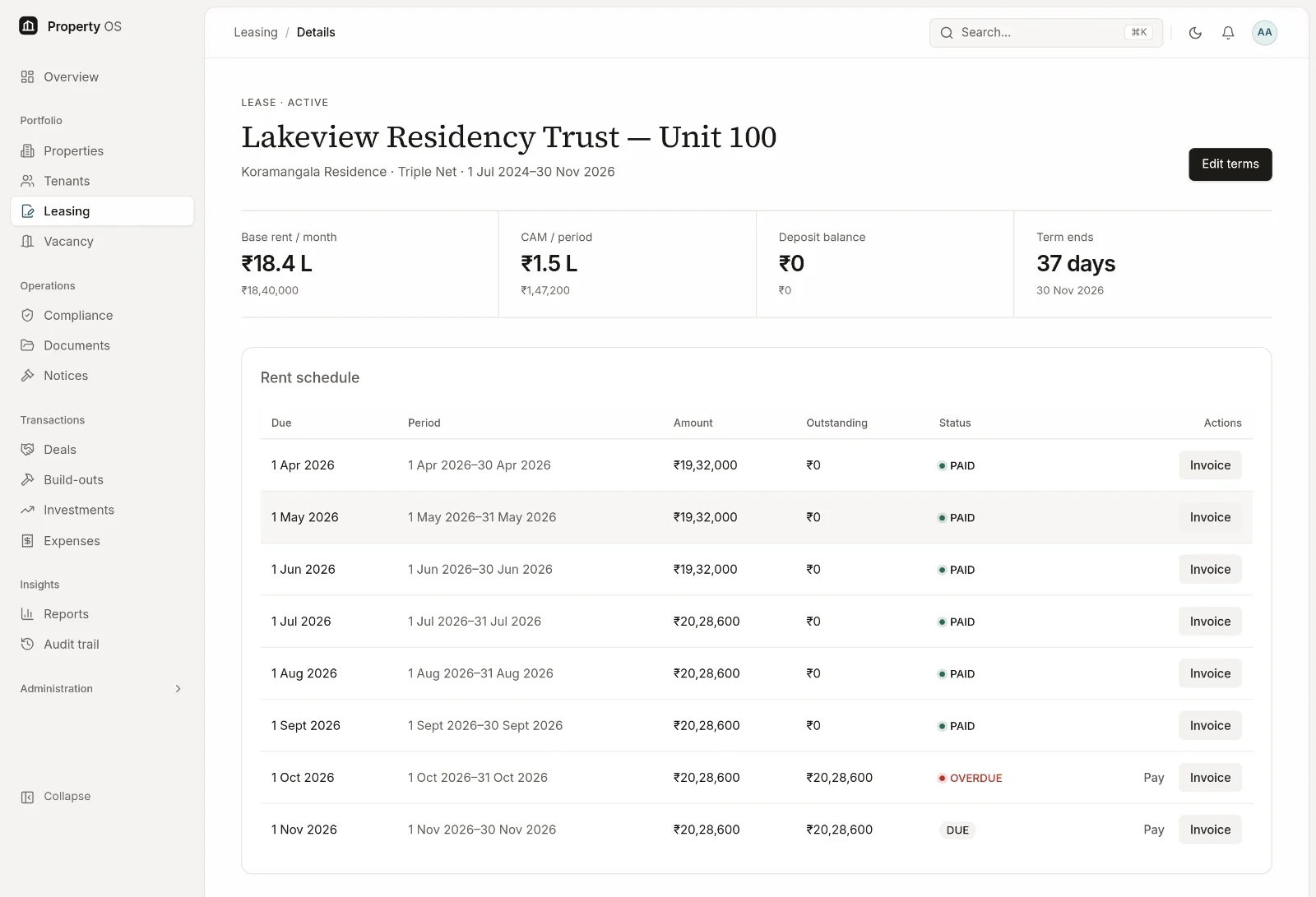
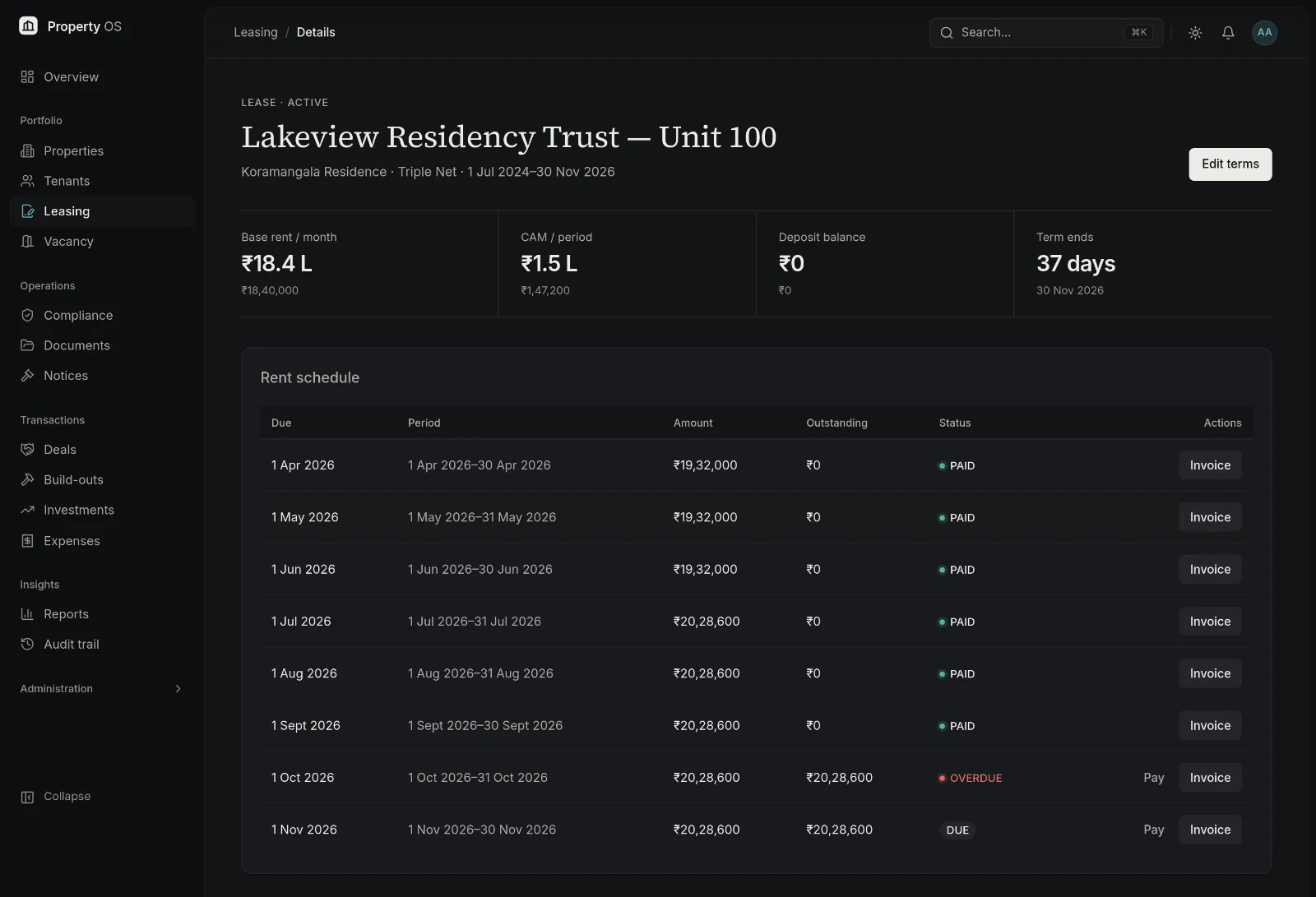
03—Leases & rent
Stay ahead of rent, renewals and vacancies.
Lease terms generate the rent schedule, payments are recorded against it, and anything overdue or expiring surfaces before it becomes a problem.
- Lease records with lock-in, notice, escalation and deposit
- Rent schedules with escalations applied
- Payments, outstanding amounts and arrears ageing
- Security deposit ledger and renewal visibility
- Vacancy tracking with days vacant and rent lost
04—Compliance management
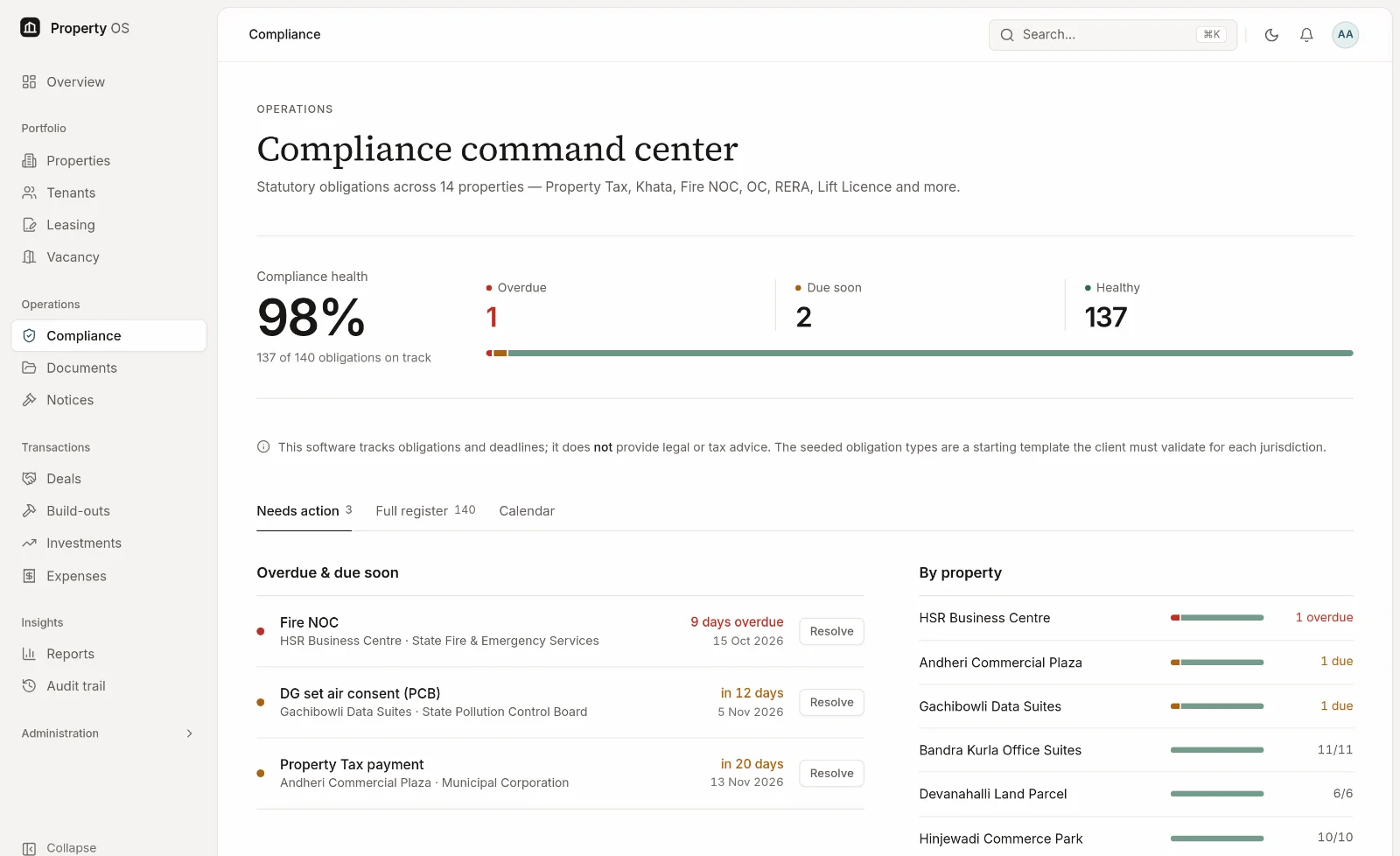
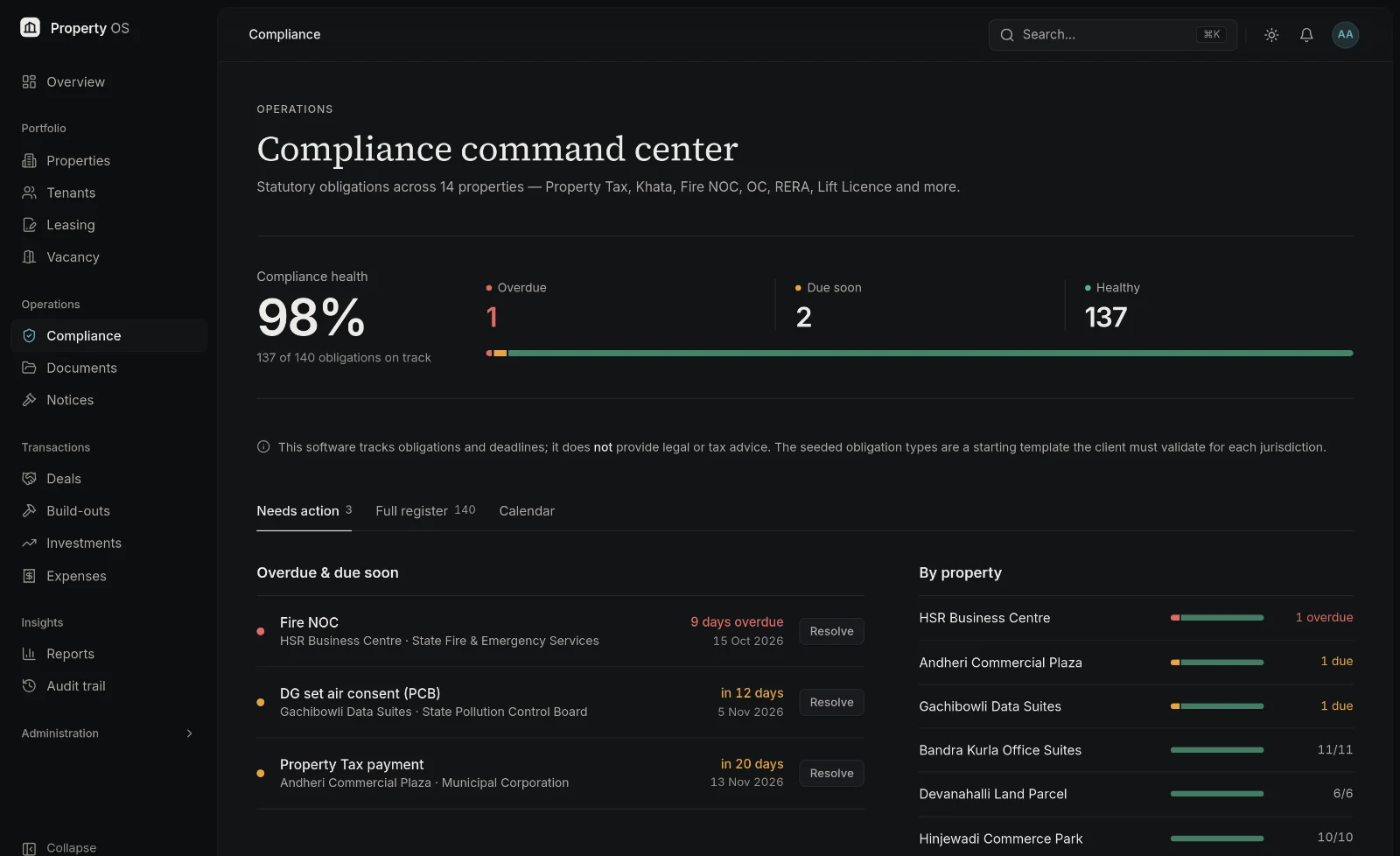
Make deadlines visible. Make follow-up accountable.
Configure the statutory obligations that apply to each property — Property Tax, Khata renewal, Fire NOC, Occupancy Certificate, RERA and more — and Property OS keeps every due date in view.
- Configurable obligation types with state-specific rules
- Recurring due dates with lead-time windows
- Owners, evidence and a history for every cycle
- Red / amber / green status and escalation when items slip
- Notices and hearing dates feeding the same alerts
Property OS helps teams track obligations and deadlines. It does not provide legal advice or certify compliance.
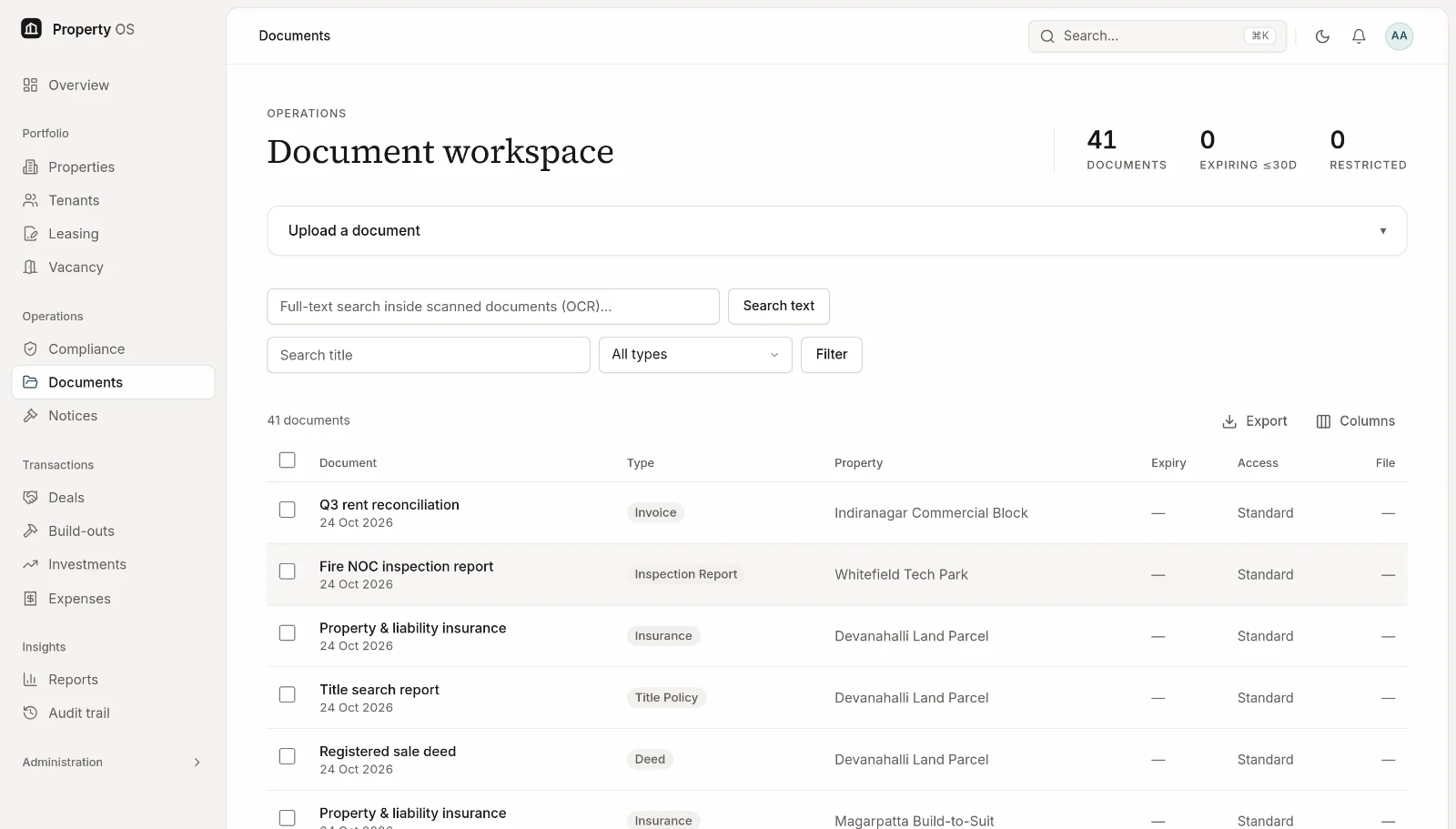
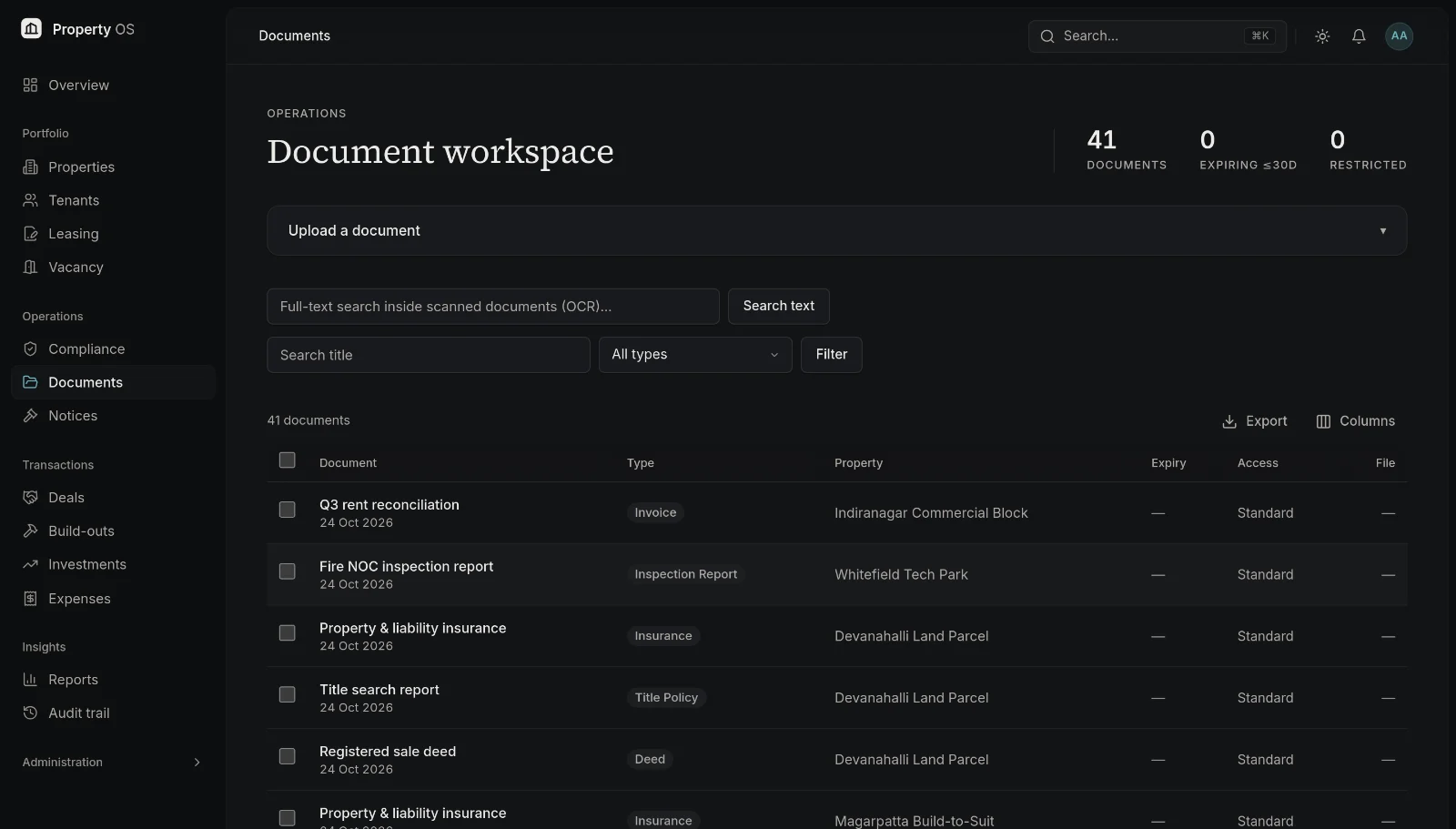
05—Document management
Keep property documents connected to the assets they belong to.
Deeds, agreements, certificates and reports live with the property, lease, tenant or deal they support — versioned, dated and visible only to the people who should see them.
- Central vault linked to properties, leases, tenants and deals
- Version history and expiry dates
- Restricted documents for sensitive files
- Search by title and type, with downloads through expiring links
06—Transactions & investment
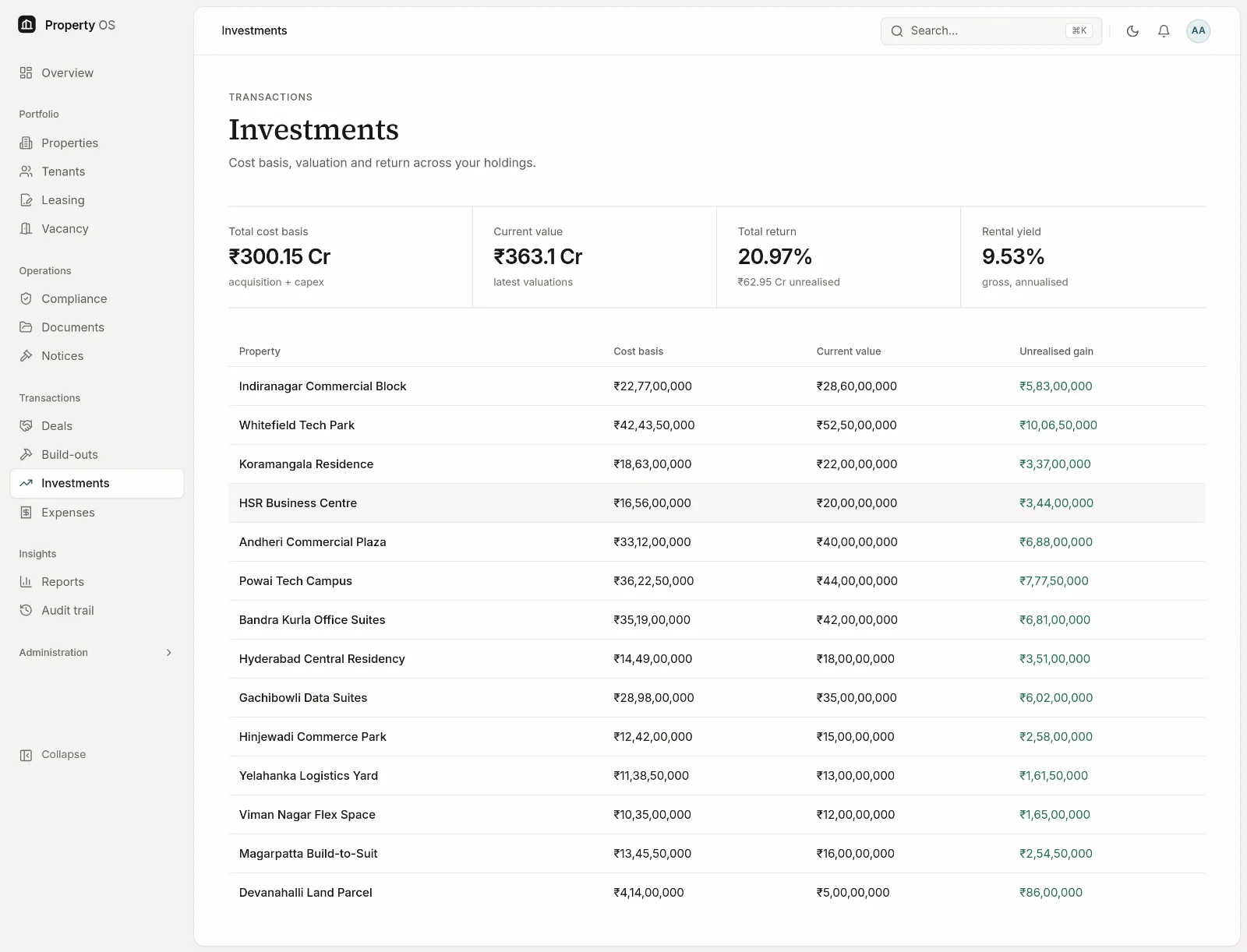
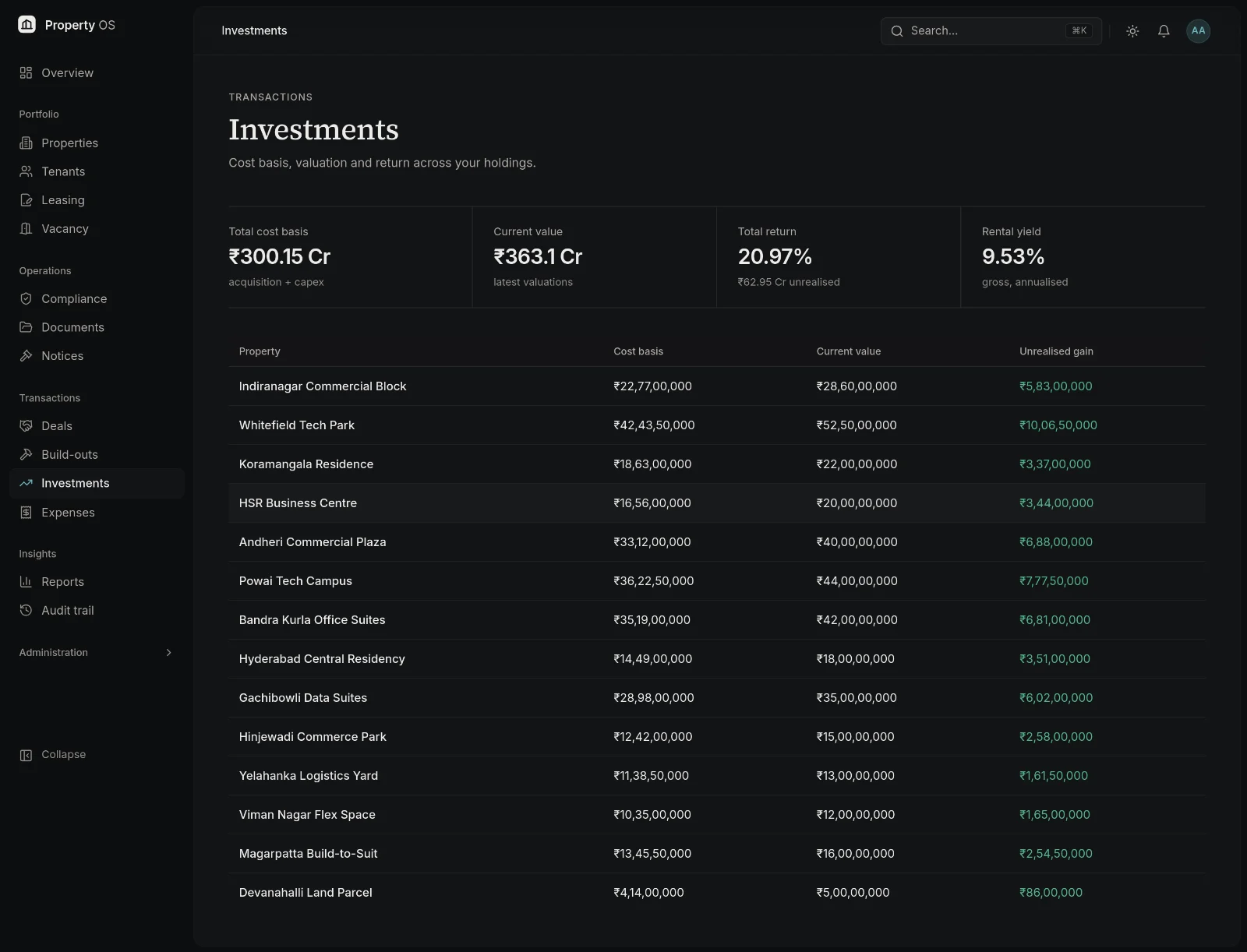
Connect property operations with investment decisions.
Acquisitions and sales run through a staged pipeline that closes into the register, and returns are calculated from the same cost, rent and valuation records operations maintains.
- Purchase and sale pipelines with due-diligence checklists
- Payments, escrow and closing — straight into the register
- Valuations, unrealised gain and annualised return
- Portfolio rental yield, loans and maturities
- Expenses per property, exportable for accounting
07—Reporting
Reports your board, lenders and auditors can use.
Ten standard reports draw on the same live records as the dashboard, so the numbers in a board pack match the numbers your team works with.
- Rent roll, arrears ageing, vacancy and lease expiry
- Compliance status and missing documents
- Property status, valuation summary and transaction register
- Build-out budget versus actual
- Excel and PDF export, saved filters and scheduled delivery
Security & governance
Controlled access to every record.
Permissions are enforced on the server, not just hidden in the interface — and every change leaves a trail.
Role-based access
Six roles with permissions checked on the server for every page, action and download.
Property-level scoping
Property managers see and change only the properties assigned to them.
Permission-controlled documents
Restricted files for sensitive records; downloads through links that expire in minutes.
Append-only audit trail
Every create, update and delete recorded with before-and-after values and the acting user.
Protected sign-in
Argon2id password hashing and rate-limited sign-in attempts.
Sessions checked on every request
Deactivating a user or changing a role takes effect immediately.
How it works
From scattered sheets to one operating view.
- 1
Centralise your property portfolio.
Import properties, units and tenants from Excel — previewed and applied all-or-nothing — or create them in the register.
- 2
Connect leases, documents, compliance and financial records.
Record lease terms, attach documents, configure obligations and capture costs and valuations against each asset.
- 3
Monitor exceptions, manage workflows and decide with confidence.
Work from the ranked action list, follow escalations, and share reports built on the same live data.
Solutions
One platform, shaped to each team's work.
Everyone works from the same records; roles decide what each person can see and change.
Property owners
See what each asset is worth, what it earns and what it needs, without assembling the picture yourself.
- Portfolio value and return
- Ownership shares
- Compliance health
Asset managers
Compare properties on occupancy, yield and value, and follow acquisitions from diligence to closing.
- Investment returns
- Deal pipeline
- Vacancy and rent lost
Property managers
Run your assigned properties day to day — leases, tenants, documents and obligations — from one workspace.
- Lease records
- Renewal alerts
- Document vault
Finance teams
Know what is due, collected and overdue, keep deposits straight, and export transactions for accounting.
- Rent schedules and payments
- Arrears ageing
- QuickBooks-compatible CSV
Compliance teams
Own the statutory calendar across every property, with evidence on file and escalation when something slips.
- Obligation calendar
- Evidence and history
- Notices and hearings
Executive leadership
Start from one dashboard of portfolio health and the few items that need a decision.
- Executive dashboard
- 30 / 60 / 90-day actions
- Board-ready reports
FAQ
Questions, answered plainly.
Something not covered here? Ask us directly.
What is Property OS?
Property OS is a web application for teams that own or operate commercial property portfolios. It keeps the property register, tenants and leases, rent and arrears, statutory compliance, documents, acquisitions and sales, valuations and reporting in one connected workspace, with access controlled by role.
Which property types can it manage?
It is built for commercial portfolios: commercial buildings such as offices, retail and warehousing; IT and tech parks, with tech floors, server cages and office suites; and land parcels. It is not designed for residential societies — for example, it does not handle maintenance billing for individual flat owners.
Can I manage multiple properties and units?
Yes. Each property can be organised into sites, buildings and leasable units, and the property list, map, dashboard and reports work across the whole portfolio. Property managers can be assigned to specific properties and see only those.
Can it track lease renewals?
Yes. Leases record their term, lock-in and notice period. Leases approaching expiry are flagged at 90, 60 and 30 days on the dashboard and in alerts, and the lease expiry report lists them by end date.
How does compliance tracking work?
Administrators define obligation types — such as Property Tax, Khata renewal, Fire NOC, Occupancy Certificate or RERA registration — with a frequency, lead time and any state-specific rules. Property OS generates the due dates for each property, shows red, amber or green status, lets owners attach evidence when they complete an item, and escalates items left open past their due date. It tracks obligations; it does not provide legal or tax advice or certify compliance.
Can documents be associated with properties and leases?
Yes. Documents can be linked to a property, lease, tenant, deal, build-out project or notice. They keep version history and optional expiry dates, can be marked restricted for sensitive files, and are downloaded through links that expire within minutes. Full-text search inside scanned documents is available when the OCR service is enabled for your deployment.
Does it support reporting and exports?
Yes. There are ten standard reports — including rent roll, arrears ageing, vacancy, lease expiry, compliance status and valuation summary — and each can be exported to Excel and PDF. Reports can also be scheduled for weekly or monthly email delivery once a mail server is configured, and transactions can be exported as QuickBooks-compatible CSV.
How does role-based access work?
Every user has one of six roles: administrator, portfolio manager, property manager, compliance officer, finance user or auditor. Permissions are checked on the server for every page, action and download. Property managers are limited to their assigned properties, auditors have read-only access, and every change is recorded in an append-only audit trail.
Can existing property data be imported?
Yes. Properties, leasable spaces and tenants can be imported from Excel. You see a preview with any errors first, and the import is applied all-or-nothing so a partly loaded register is never left behind. Leases are entered through the lease form, which also generates their rent schedules; bulk lease import is not currently provided.
Is there a tenant portal or a mobile app?
No. Property OS is for your internal team; tenants and brokers do not log in. It works in a mobile browser, but there is no separate native app. It also does not collect rent or connect to banks or payment gateways — payments are recorded in it.
How can I request a demonstration?
Use the Book a demo form. Tell us a little about your portfolio and we will reply to your work email to arrange a walkthrough using sample portfolio data.
Bring your property portfolio into focus.
See how Property OS can bring your property data, operational workflows and reporting into one connected platform.