Rent & collections
Know what is due, paid and overdue.
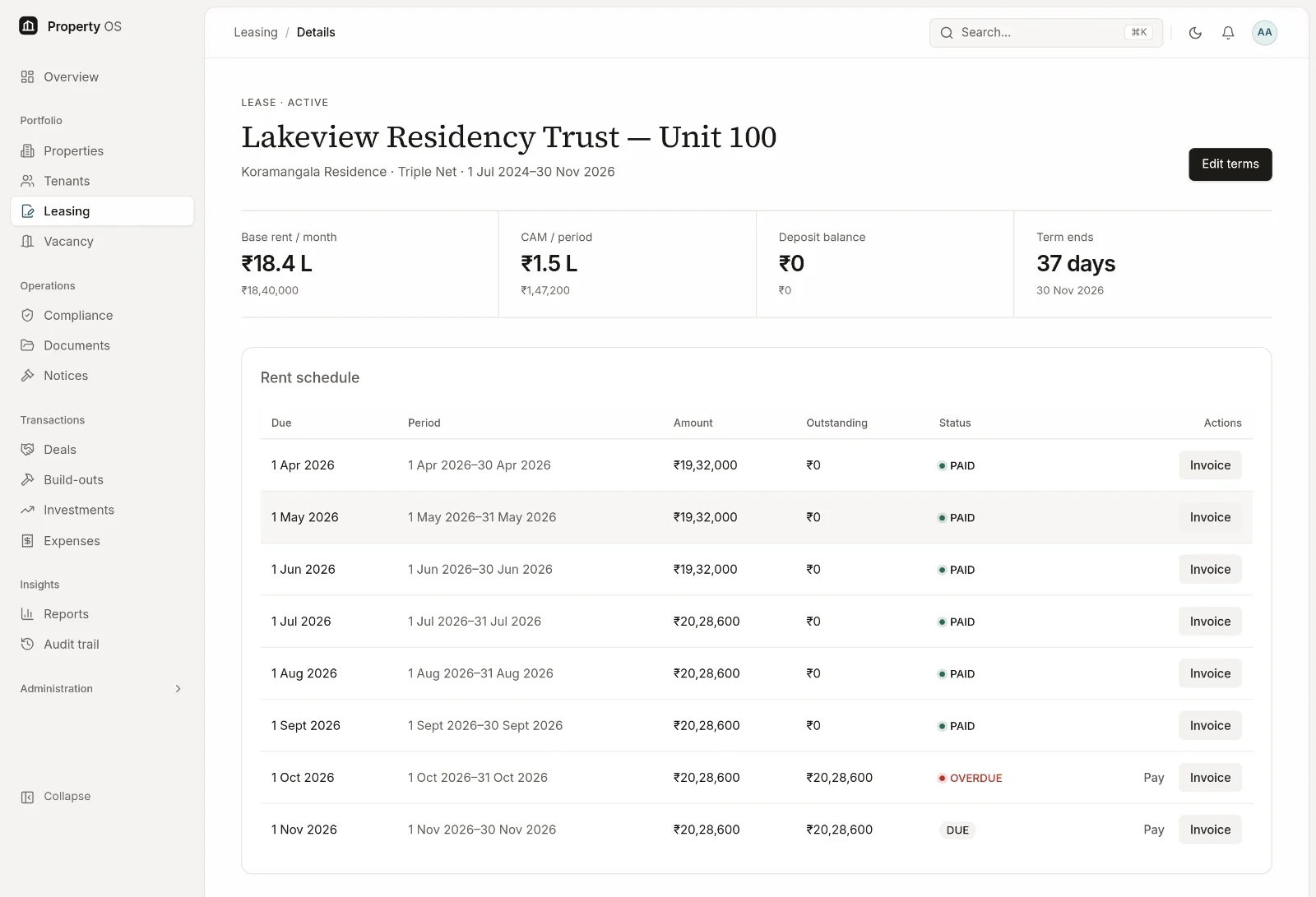
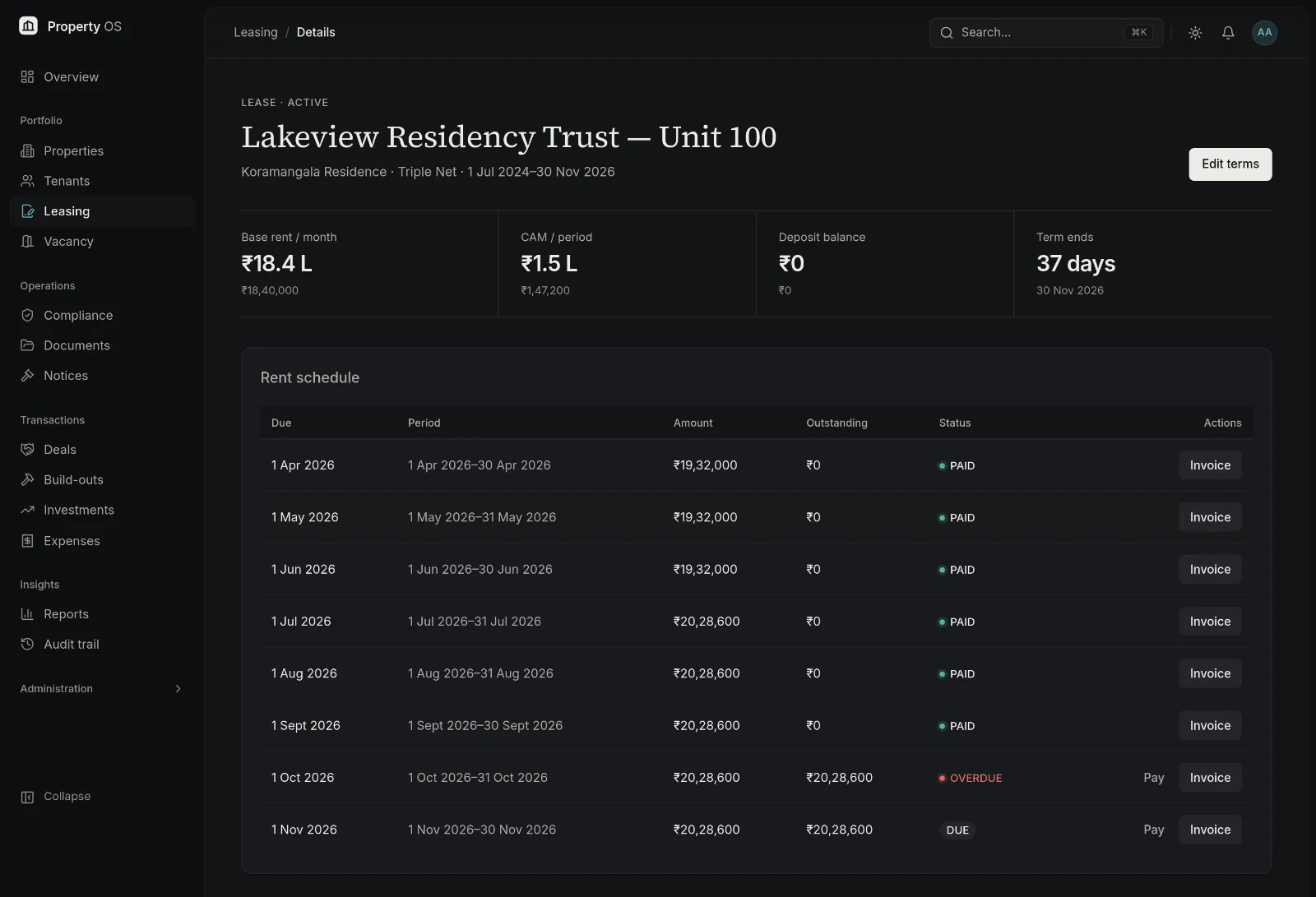
Rent schedules are generated from the lease, payments are recorded against each period, and outstanding amounts roll up into ageing — per lease, per property and across the portfolio.
Capabilities
What you can do
- 01
Rent schedules from the lease
Monthly, quarterly or annual schedules are generated with escalations applied. Regenerating after a change preserves periods that are already paid.
- 02
Payments and partial payments
Record full or partial payments; each period is marked due, partial, paid or overdue.
- 03
Arrears ageing
Outstanding rent is grouped into 0–30, 31–60, 61–90 and 90+ day buckets for follow-up.
- 04
Security deposit ledger
Track deposits received, adjusted and refunded, with a running balance per lease.
- 05
Rent invoices
Generate a rent invoice PDF for any period, including CAM and a configurable tax rate such as GST.
- 06
Accounting export
Export rent and expense transactions as QuickBooks-compatible CSV using your own account mapping.
Typical workflow
How teams use it
Schedule
The lease generates its rent periods, escalations included.
Record
Finance records receipts against periods as they arrive.
Chase
Overdue periods appear on the dashboard and in the arrears ageing report.
Reconcile
Export transactions for accounting and keep the deposit ledger current.
Why it matters
Business benefits
Clear outstanding position
Overdue rent is visible by tenant, property and age without assembling a spreadsheet.
Fewer manual calculations
Escalated amounts come from the schedule rather than being recalculated by hand.
Finance and operations aligned
Both teams work from the same periods, payments and balances.
Bring your property portfolio into focus.
See how Property OS can bring your property data, operational workflows and reporting into one connected platform.