Acquisitions & sales
From first look to closing — and into operations.
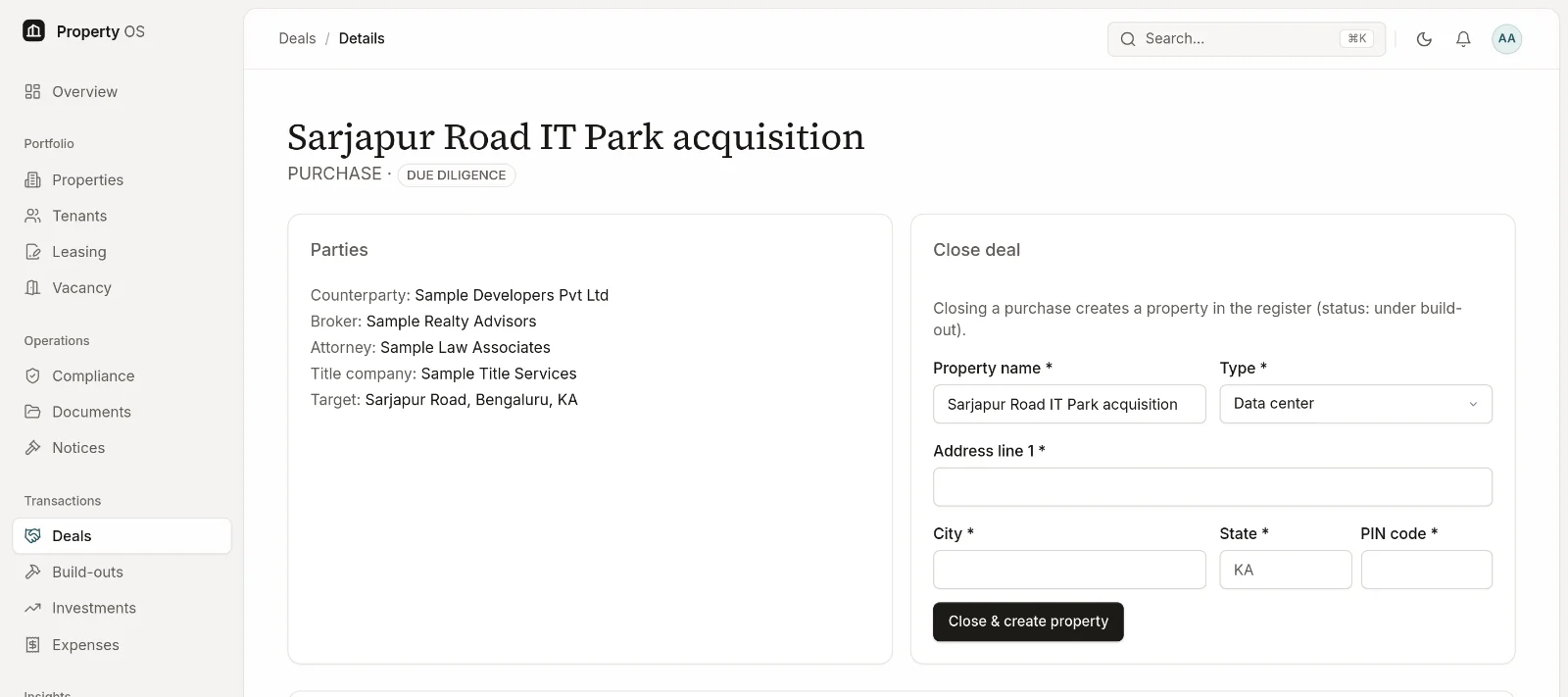
Purchases and sales move through a clear pipeline. When a purchase closes, the property is created in the register; when a sale closes, the asset is marked sold.
Capabilities
What you can do
- 01
Separate purchase and sale pipelines
Board and list views from identified through due diligence, agreement, escrow and closing.
- 02
Due-diligence checklists
Start from a configurable template, then add, assign and date items for each deal.
- 03
Payments and escrow
Schedule earnest money, escrow and other deal payments, and mark the closing statement.
- 04
Parties and documents
Record the counterparty, broker, attorney and title company, and keep deal documents on the deal.
- 05
Closing into the register
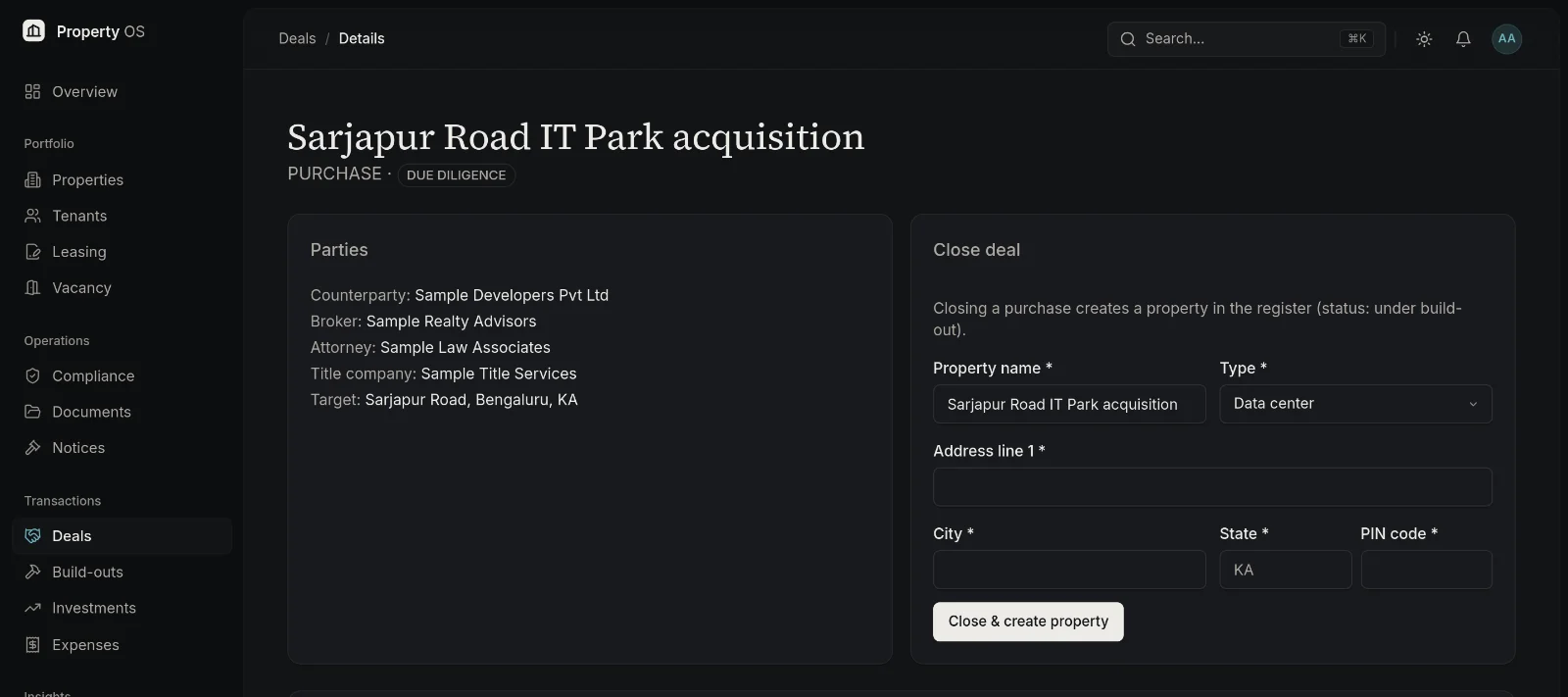
Closing a purchase creates the property (under build-out); closing a sale moves the asset to sold with a capital-gain working.
- 06
Build-out tracking
Track budget against actual, milestones, permits and the completion certificate; completion moves the property to vacant or leased.
Typical workflow
How teams use it
Identify
Create the deal with its target and parties.
Diligence
Work the checklist and collect documents.
Close
Record payments and close — the register updates automatically.
Fit out
Track the build-out until the property is ready to lease.
Why it matters
Business benefits
No hand-off gap
A closed purchase becomes a live property without re-keying.
Diligence you can audit
Checklist items, owners and documents stay with the deal.
Budget discipline
Build-out spend is compared with budget as it happens.
Bring your property portfolio into focus.
See how Property OS can bring your property data, operational workflows and reporting into one connected platform.