Security & governance
Controlled access to every record.
Permissions are enforced on the server for every page, action and download — the interface only reflects them. Every change is recorded in an append-only audit trail.
Capabilities
What you can do
- 01
Six roles, enforced on the server
Administrator, portfolio manager, property manager, compliance officer, finance user and auditor — each with a defined permission set checked on every request.
- 02
Property-level scoping
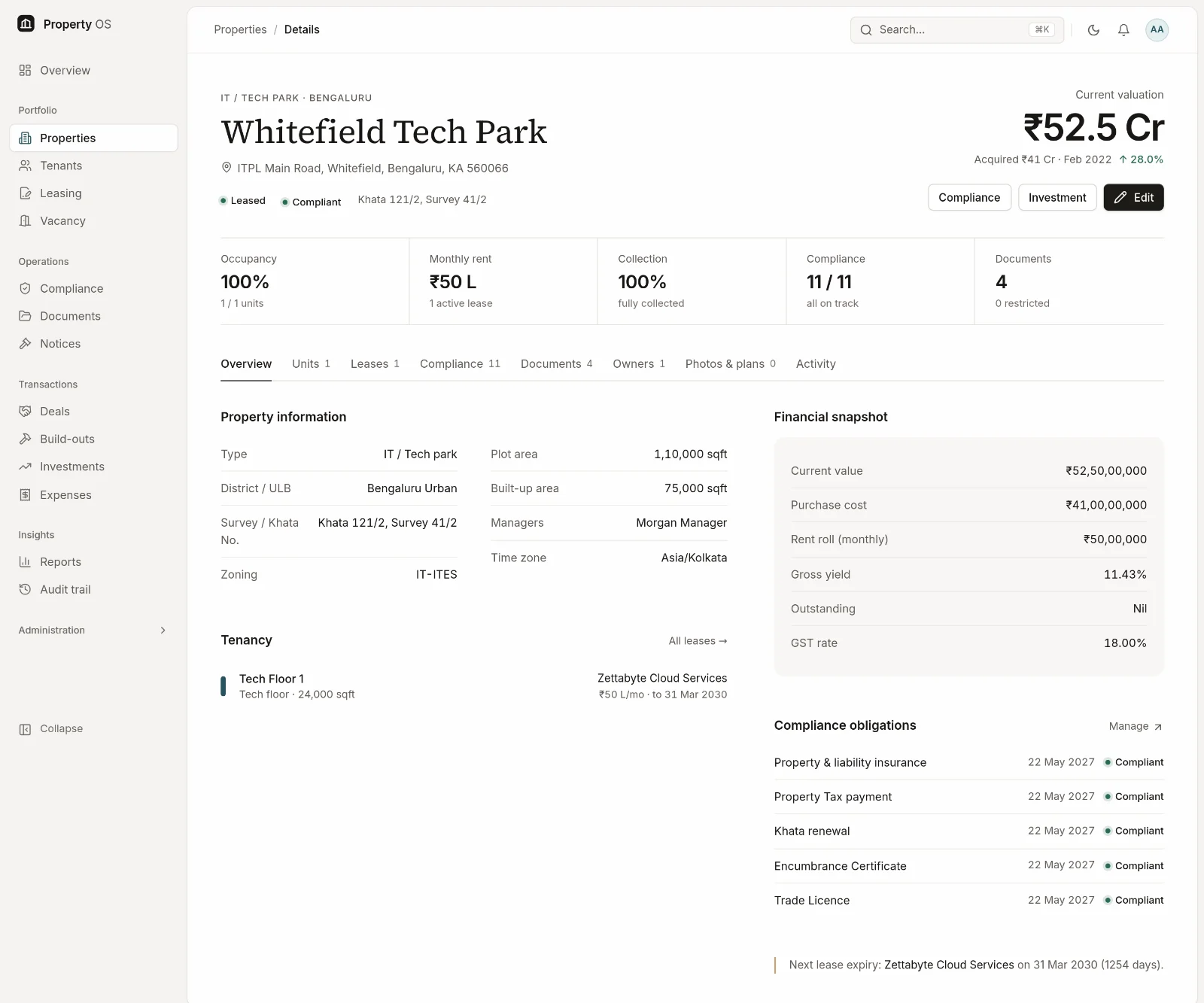
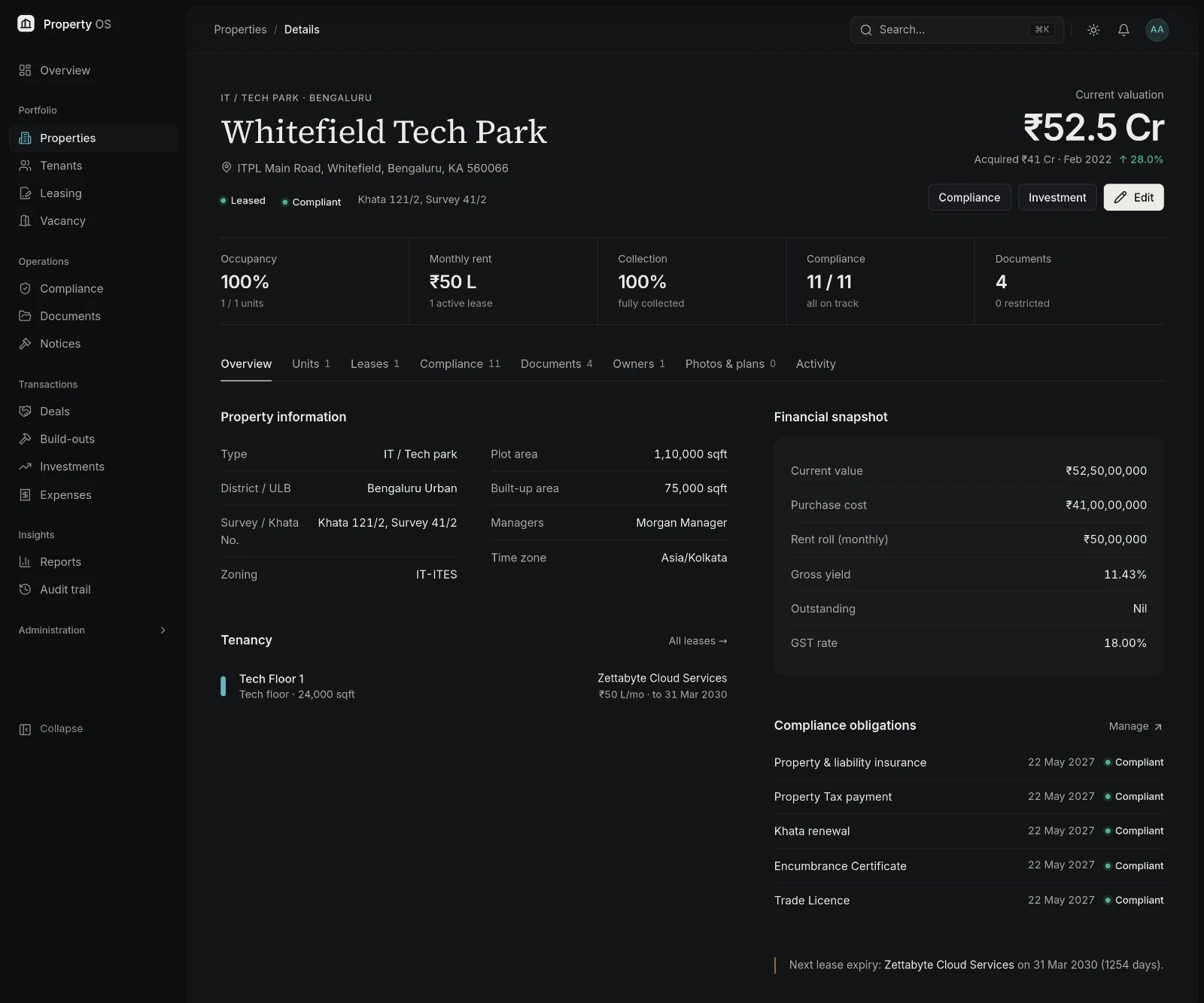
Property managers see and change only the properties assigned to them, across leases, documents, compliance, vacancy, investments and expenses.
- 03
Strong sign-in
Passwords are hashed with Argon2id, and repeated failed sign-ins are rate-limited per account and per network address.
- 04
Sessions checked every request
Deactivating a user or changing their role takes effect immediately, not when their session expires.
- 05
Restricted documents and expiring links
Sensitive documents are limited to permitted roles, and files are only reachable through download links that expire within minutes.
- 06
Append-only audit trail
Every create, update and delete is recorded with before-and-after values and the acting user. No role can edit or delete the trail; auditors have read-only access.
Typical workflow
How teams use it
Invite
Administrators create users and assign a role.
Scope
Assign property managers to the properties they run.
Protect
Mark sensitive documents as restricted and deactivate leavers the same day.
Review
Auditors and administrators review the audit trail and export it when needed.
Why it matters
Business benefits
Least privilege by default
People see what their role and assignments allow, nothing more.
Evidence for auditors
A tamper-resistant record of who changed what, and when.
Immediate control
Access changes apply on the next request.
Bring your property portfolio into focus.
See how Property OS can bring your property data, operational workflows and reporting into one connected platform.