Document management
Keep property documents connected to the assets they belong to.
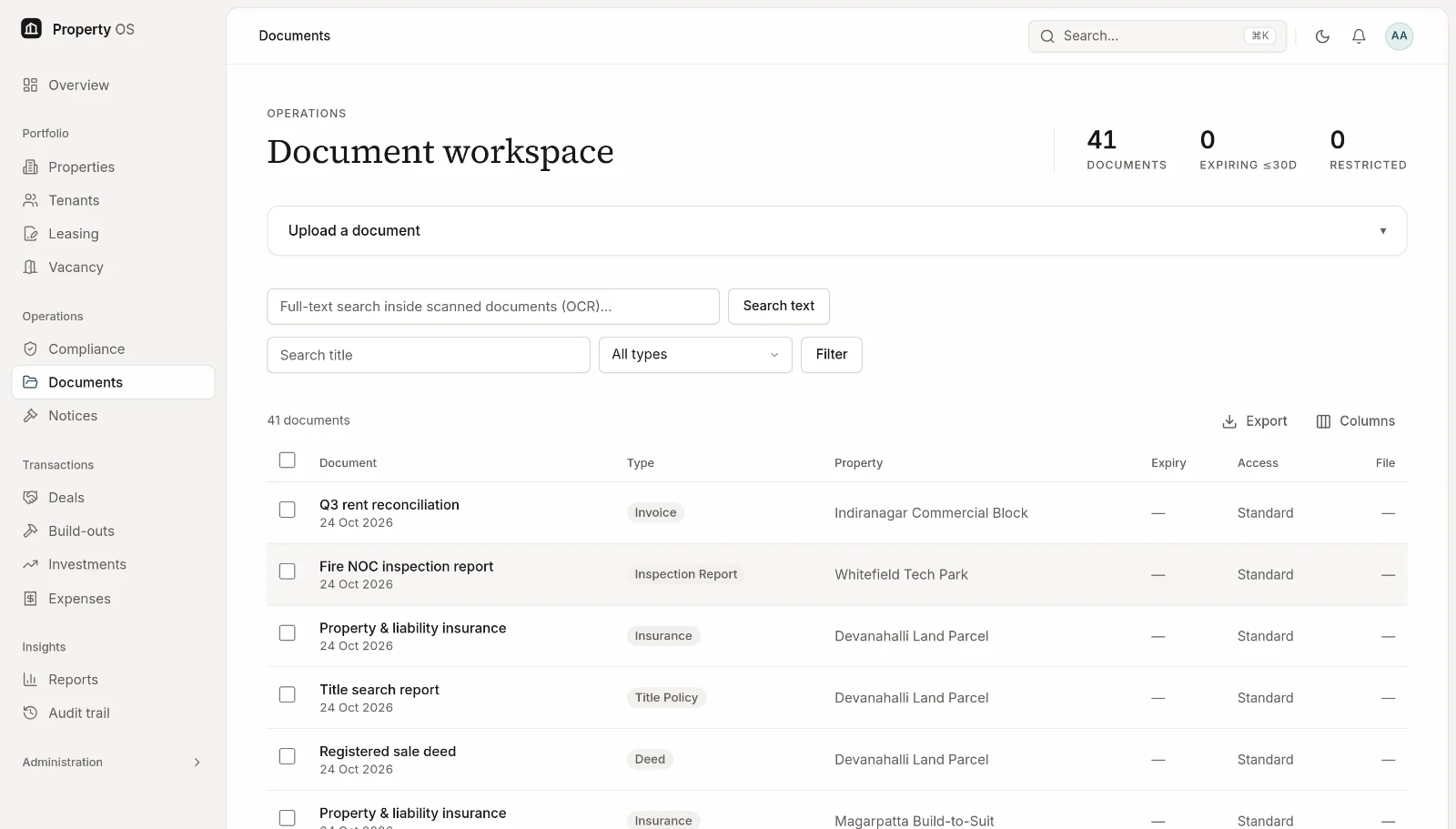
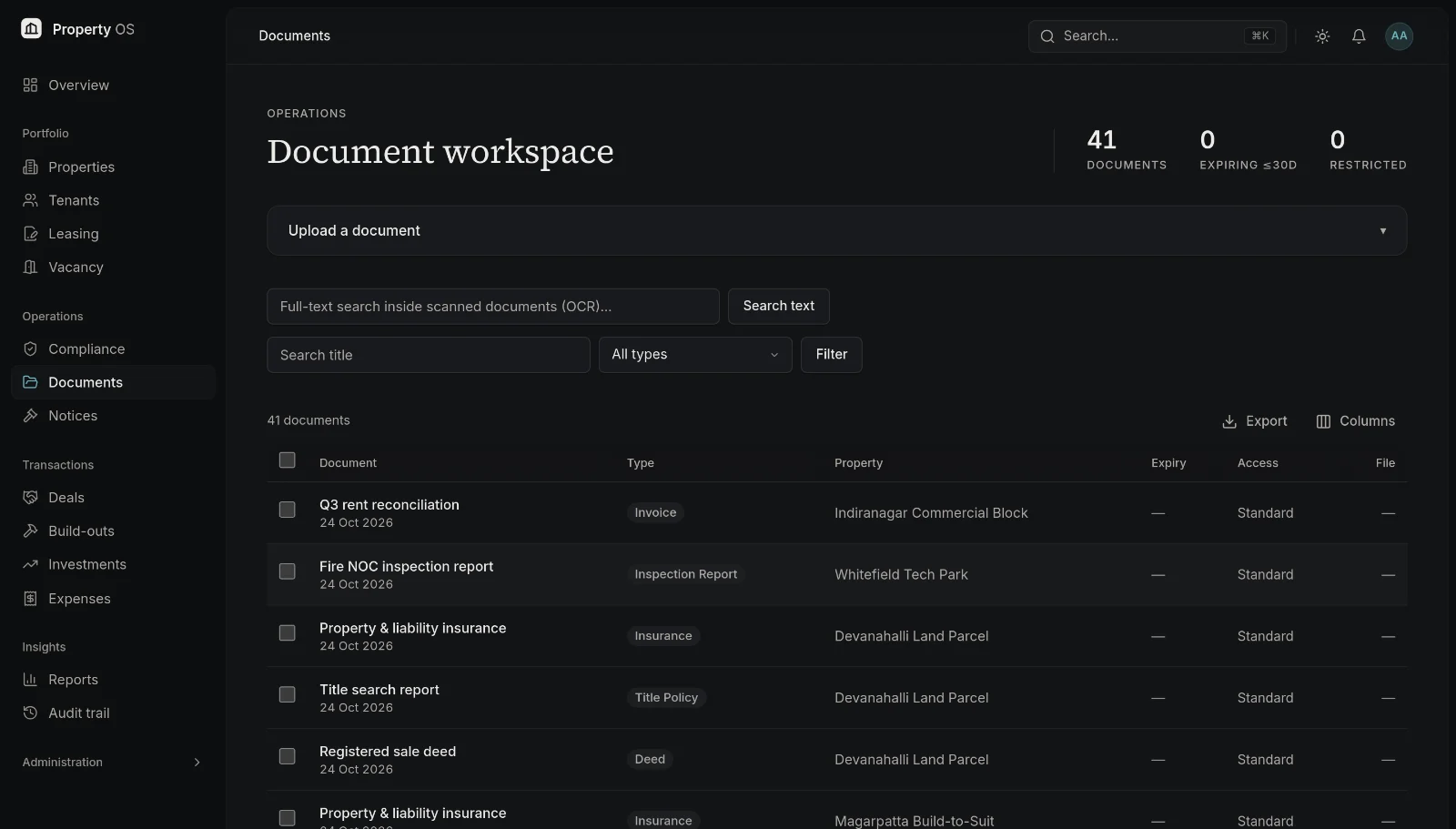
Every document is tagged, linked to its record and protected by the same permissions as the data around it — so the right people can find it and nobody else can.
Capabilities
What you can do
- 01
Linked to the right record
Attach documents to a property, lease, tenant, deal, build-out project or notice, and find them from either side.
- 02
Version history
Upload new versions without losing the old ones; each version keeps its own checksum.
- 03
Expiry dates
Give certificates and policies an expiry date so renewals are flagged ahead of time.
- 04
Restricted documents
Mark sensitive documents as restricted so only permitted roles can see them; property managers see only their assigned properties.
- 05
Safe downloads
Files are never served from a public address. After a permission check, users receive a download link that expires within minutes.
- 06
Missing-document report
Define which documents each property type must have and see where they are missing.
Typical workflow
How teams use it
Upload
Add PDFs, images, Office files, CSV or text up to 25 MB; the file's real type is checked.
Tag and link
Choose the document type, link it to its record and set an expiry if it has one.
Find
Search by title or document type, or open the record it belongs to, and download through an expiring link.
Govern
Restrict sensitive files, keep versions and close gaps from the missing-document report.
Why it matters
Business benefits
No more hunting
Documents live with the asset, lease or deal they support.
Controlled access
Sensitive files follow role and property permissions automatically.
Renewals in view
Expiring certificates surface before they lapse.
Bring your property portfolio into focus.
See how Property OS can bring your property data, operational workflows and reporting into one connected platform.